
Pick Backblaze B2 if you want low storage cost and friendly backup tools; pick Wasabi if you hate surprise download fees. Backblaze lists B2 storage at about $6 per TB per month [source: Backblaze].
TLDR: Backblaze B2 is great for backups, archives, media storage, and teams that do not download huge files every day. Wasabi is better when you move files in and out often, because it does not charge for egress in the usual way. For example, a video team storing 10 TB may pay a bit more per TB on Wasabi, but could save money if clients download hundreds of gigabytes each week. If files mostly sit still, B2 usually feels cheaper.
Backblaze B2 vs Wasabi: the quick vibe check
Both services sell object storage. That sounds fancy. It is not.
Think of object storage like a giant online garage. You toss in files. Photos. Videos. Backups. App data. Log files. Cat memes. Each file becomes an “object” with a name and some extra info.
You do not use it like a normal hard drive. You use apps, backup tools, or code to send and fetch files.
Backblaze B2 and Wasabi are popular because they are cheaper than many big cloud brands. They also work with many S3-compatible apps. That matters. It means tools built for Amazon S3 often work with them too.
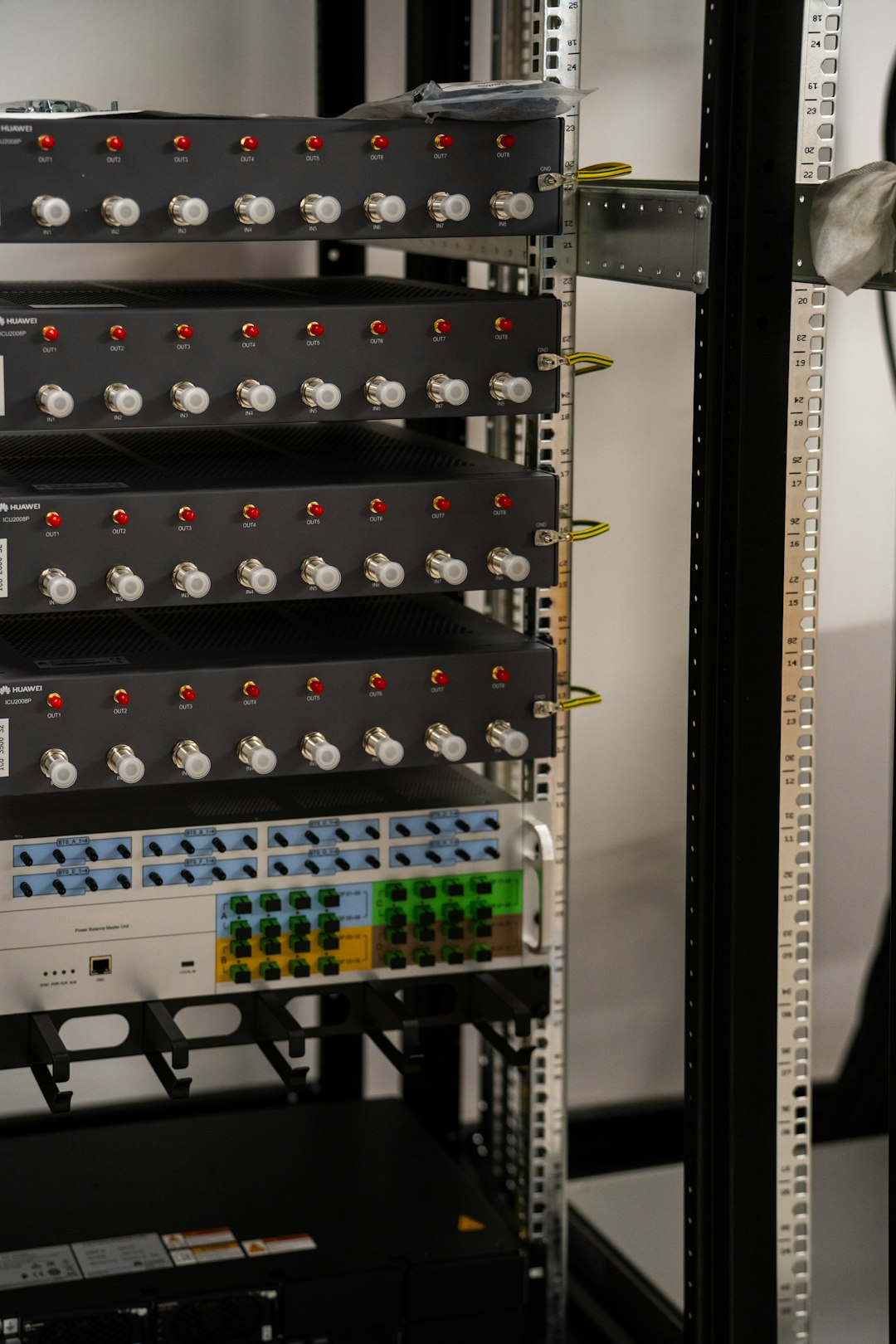
Pricing: where the fight gets spicy
Backblaze B2 is usually the cheaper pick for raw storage. Its monthly storage price is low. That makes it a strong choice for backups and archives.
Wasabi often costs more per TB. But it has a big selling point. No typical egress fees. In plain English, you can download your files without that “Wait, why is my bill angry?” moment.
Honestly, it feels like cloud pricing was invented to punish people for reading too fast.
- Backblaze B2: lower storage price, but watch download and transaction costs.
- Wasabi: higher storage price, but simpler billing for frequent downloads.
- Best for tight budgets: Backblaze B2.
- Best for heavy downloads: Wasabi.
Wasabi also has rules like minimum storage duration. So if you upload a file and delete it quickly, you may still pay as if it stayed longer. That can bite short-term projects.
Speed and performance
Both are fast enough for most small teams. Backup jobs run fine. File sharing works fine. Media libraries behave well.
Still, speed depends on your location, internet provider, file size, and the app you use. A bad sync app can make any cloud feel like it is moving through soup.
Backblaze B2 has a clean feel for backups. It pairs well with tools like Duplicati, Arq, Rclone, Synology, and many others.
Wasabi also works with many S3 tools. It is popular with photographers, agencies, and video teams. Big files fit its style.
Ease of use
Backblaze B2 is simple. The dashboard is not flashy. That is fine. Flashy dashboards do not save your files.
You create a bucket. You make keys. You connect your app. Done.
Wasabi is also simple. Its S3-style setup feels familiar if you have used cloud storage before. New users may need a few minutes to understand buckets, regions, and access keys.
Expect to waste time on permissions if you are new. This happens with both. One wrong setting and your app acts like the bucket never existed. Fun? No. Common? Very.

Backups and archives
This is where Backblaze B2 shines.
If you want to store years of backups, B2 makes sense. It is cheap. It is stable. It plays well with backup software.
Use it for:
- Server backups.
- Personal photo archives.
- Business documents.
- Old project files.
- Disaster recovery copies.
If you care about safety, pair object storage with good security habits. Versioning matters. Encryption matters. Access control matters. For a deeper list, see these secure storage tools.
Video and media files
Wasabi is very tempting for video teams.
Why? Video files are huge. Downloads happen often. Clients ask for “one more version.” Then another. Then the “final final” file.
If you send large media files often, Wasabi can feel less stressful. You are not staring at every download like it is a tiny invoice monster.
Backblaze B2 can still work well for video. It is great for holding master files and project backups. If you only download now and then, B2 may cost less.
If your main problem is sending large clips to people, you may also want tips on how to send long videos through email without wrecking your inbox.

Security basics
Both providers offer useful security features. You get access keys. You get private buckets. You can use encryption. You can limit who sees what.
But do not just upload files and hope for magic.
- Use strong passwords.
- Turn on multi-factor login when available.
- Keep buckets private unless they must be public.
- Rotate access keys.
- Encrypt sensitive files before upload.
Cloud storage is safe when you set it up well. It gets messy when someone shares an admin key in a chat thread. Yes, that still happens.
So, which one should you choose?
Choose Backblaze B2 if your files mostly sit in storage. It is great for backups, archives, and low-cost file holding. It is the “store it and relax” option.
Choose Wasabi if people download your files often. It is great for media teams, shared asset libraries, and active projects. It is the “stop scaring me with egress fees” option.
For many users, the answer is simple. Backups go to Backblaze B2. Active media goes to Wasabi. That mix keeps costs sane and brains calmer.
Cloud storage should not feel like a math trap. Pick the one that matches how your files move.