
Venmo is generally safe for paying trusted people, but it is not the safest choice for strangers, deposits, concert tickets, rentals, or anything that feels even slightly risky. Payment app fraud is a real problem: U.S. consumers reported losing more than $10 billion to fraud in 2023 [source: FTC]. Venmo protects accounts with encryption, PINs, biometrics, and fraud monitoring, but payments can still be hard to reverse. That is the part that trips people up.
TLDR: Venmo is safe for splitting rent, paying a roommate, or sending $28 for dinner, as long as the recipient is known and verified. For buying from strangers, PayPal Goods and Services is usually safer because buyer protection is clearer. Zelle is fast, but risky for scams because money moves straight between bank accounts. A simple rule works well: if losing the money would hurt, use a payment method with stronger dispute options.
How Safe Is Venmo?
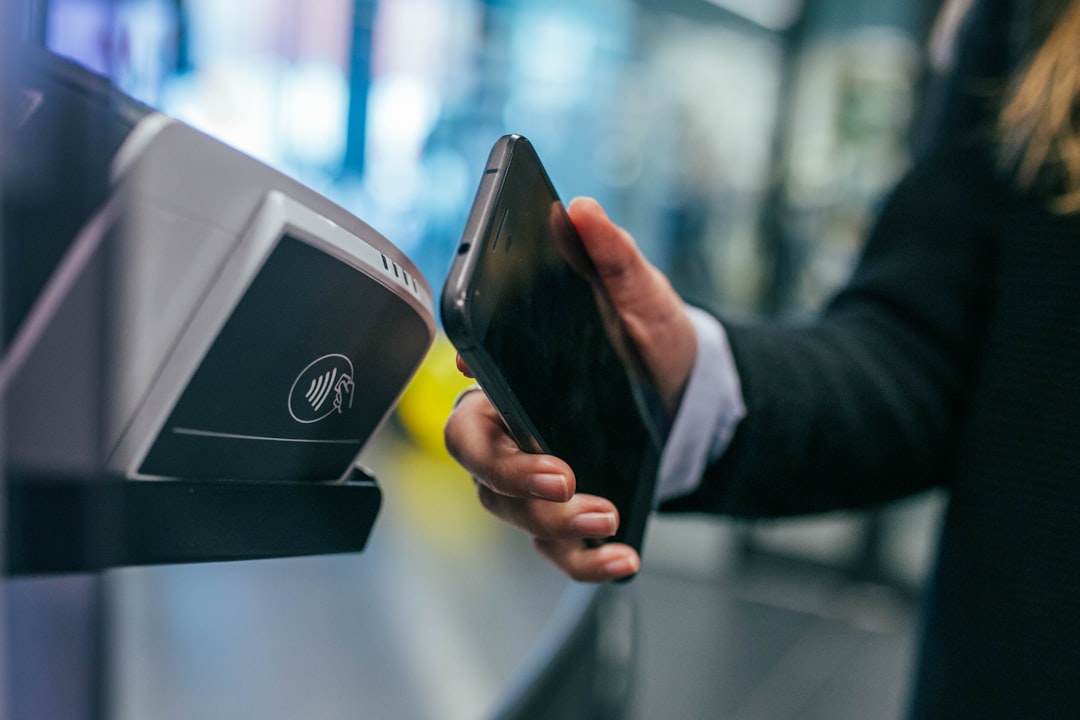
Venmo uses common security tools. These include data encryption, account alerts, identity checks, PIN codes, and biometric login. Users can also enable two-factor authentication, which should be treated as a must, not a nice extra.
The bigger issue is not the app’s core security. It is how people use it. Venmo was built for social payments between people who know each other. That means it works well for roommates, family, friends, and small shared costs. It works poorly when a stranger asks for payment before handing over a product.
Honestly, it feels like Venmo makes casual payments almost too easy. A few taps, and the money is gone. That speed is great at a taco truck. It is awful after a fake landlord disappears.
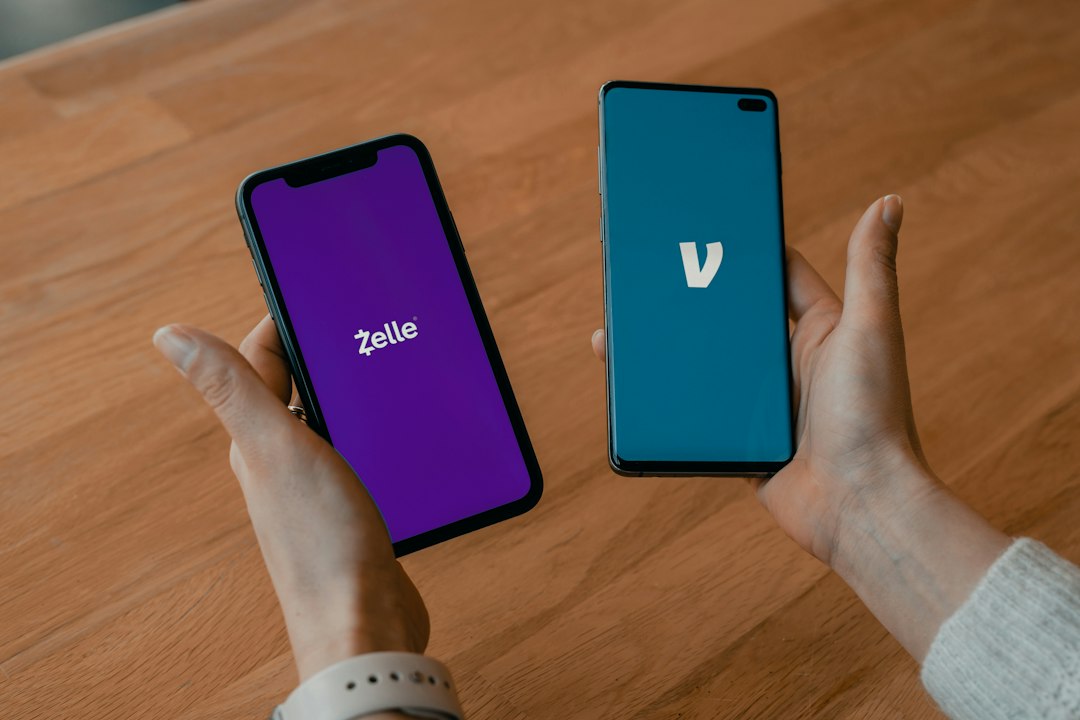
Venmo vs. Zelle
Zelle is often offered inside bank apps. It sends money directly from one bank account to another. That makes it fast and simple. It also means mistakes can be painful.
- Best for: trusted friends, family, and known contacts.
- Risk level: high for strangers and scams.
- Refunds: difficult if the user approved the payment.
Compared with Zelle, Venmo gives users a more visible app experience, a balance, transaction notes, and limited purchase protection when used correctly. Zelle feels more like a bank transfer. That can be good. It can also leave very little room to fix a bad payment.
Venmo vs. Cash App
Cash App is similar to Venmo in many ways. It supports peer payments, a debit card, direct deposit, Bitcoin, and stock features. That makes it feel more like a mini finance app.
Venmo is simpler for social payments. Cash App has more tools, but more tools can mean more confusion. Expect to waste time sorting out which feature actually applies if fraud or a mistaken transfer happens.
- Venmo: better for casual shared costs and social payments.
- Cash App: better for users who want investing, Bitcoin, or a debit card experience.
- Both: risky when paying strangers without protection.
Venmo vs. PayPal
PayPal is usually the better choice for online purchases from people or businesses the buyer does not fully know. That is because PayPal has long offered a clearer split between personal payments and purchase payments.
Venmo is owned by PayPal, but the apps serve different habits. Venmo feels social and casual. PayPal feels more like a checkout tool. For used goods, handmade items, or online orders, PayPal Goods and Services is often the safer pick.
The downside is fees. Protected payments often cost more for sellers. Some sellers push buyers toward “friends and family” style payments to avoid fees. That is a red flag. If a seller refuses protected payment, the buyer should walk away.
What About Apple Cash, Google Pay, and Bank Apps?
Apple Cash works well inside the Apple ecosystem. It is convenient for iPhone users, but it is not ideal for buying from strangers. Google Pay has shifted over time and varies by country and feature. Bank app transfers can be secure, but they are not always shopper-friendly.
The pattern is simple. Apps made for sending money to people are not the same as credit cards or protected checkout systems. A credit card still gives stronger dispute rights in many purchase situations.
How to Use Venmo More Safely
- Send money only to people already known. Double-check usernames, photos, and phone numbers.
- Turn on two-factor authentication. It helps stop account takeovers.
- Set transactions to private. Public payment notes can reveal habits and contacts.
- Do not keep a large balance. Move extra funds to a bank account.
- Use purchase protection when buying goods or services. Do not mark a purchase as a personal payment.
- Ignore pressure. Scammers often demand speed, secrecy, or odd payment notes.
Which Payment App Is Safest?
No single app wins every case. PayPal is stronger for purchases. Zelle is fine for trusted bank-to-bank transfers. Cash App is flexible but needs careful settings. Venmo is safe enough for everyday social payments, but only when users treat it like cash.
The best safety rule is boring, but it works: friends get payment apps, strangers get protected checkout.
FAQ
Is Venmo safe to use with strangers?
Not usually. Venmo is safest with trusted people. For strangers, PayPal Goods and Services or a credit card is usually a better choice.
Can a Venmo payment be reversed?
Sometimes, but users should not count on it. If the sender approved the payment, getting money back can be difficult.
Is Venmo safer than Zelle?
For some situations, yes. Venmo offers more app-level controls and limited purchase protection. Zelle is faster and bank-based, but scam refunds can be very hard.
Is PayPal safer than Venmo?
For purchases, often yes. PayPal has stronger buyer protection when the payment is marked correctly. For splitting dinner with friends, Venmo is usually fine.
Should users keep money in Venmo?
Small balances are common, but large balances are not smart. Users should transfer extra money to a bank account.
What is the safest way to pay online?
A credit card or a protected checkout option is usually safest. Payment apps are best for trusted people, not risky purchases.