
Intel Driver & Support Assistant is the better pick for most Intel PCs. It is safer, simpler, and less likely to throw mystery drivers at your machine. Intel says the tool checks for updates for supported Intel hardware and software [source: Intel]. Snappy Driver Installer Origin is more powerful, but it asks more from you.
TLDR: Pick Intel Driver & Support Assistant if you have a normal laptop or desktop with Intel Wi Fi, graphics, Bluetooth, or chipset parts. Pick Snappy Driver Installer Origin if you repair many PCs or need offline driver packs. For example, if you manage 10 office PCs, Intel DSA may cover 60% of your driver needs, while SDIO can help with the weird leftover devices. But SDIO also gives you more chances to click the wrong thing. Fun, right?
The quick winner
For everyday users, Intel Driver & Support Assistant wins.
It feels like a seatbelt. Not exciting. Very useful. You install it, run a scan, and it tells you what Intel updates are ready.
Snappy Driver Installer Origin, or SDIO, is more like a giant toolbox. It can fix more problems. It can also make a mess if you grab the wrong tool.

What Intel Driver & Support Assistant does well
Intel DSA is built for Intel hardware. That is the whole game.
- Intel graphics
- Intel Wi Fi
- Intel Bluetooth
- Intel chipset items
- Intel storage tools
The best part is trust. You are getting driver suggestions from Intel. Not from a random driver pile with 42 options that all sound the same.
The app runs through a browser page after install. That may feel odd. Still, it is easy. Scan. Review. Install. Restart. Done.
Minimal drama is the point.
What gets annoying with Intel DSA
It is not magic. It only cares about Intel gear.
So if your audio chip is Realtek, your touchpad is Synaptics, and your webcam is from some brand you have never heard of, Intel DSA will shrug. Politely.
It drives me crazy that some laptop makers also block newer Intel drivers. You may see a driver on Intel’s site, but your laptop brand wants you to use its older version. This can add 15 minutes of “why is this not installing?” pain.
Still, that pain is better than installing a bad driver and losing Wi Fi before a video call.
What Snappy Driver Installer Origin does well
SDIO is made for broad driver hunting. It is open source and can work with large offline driver packs [source: SDIO].
That is huge for repair work.
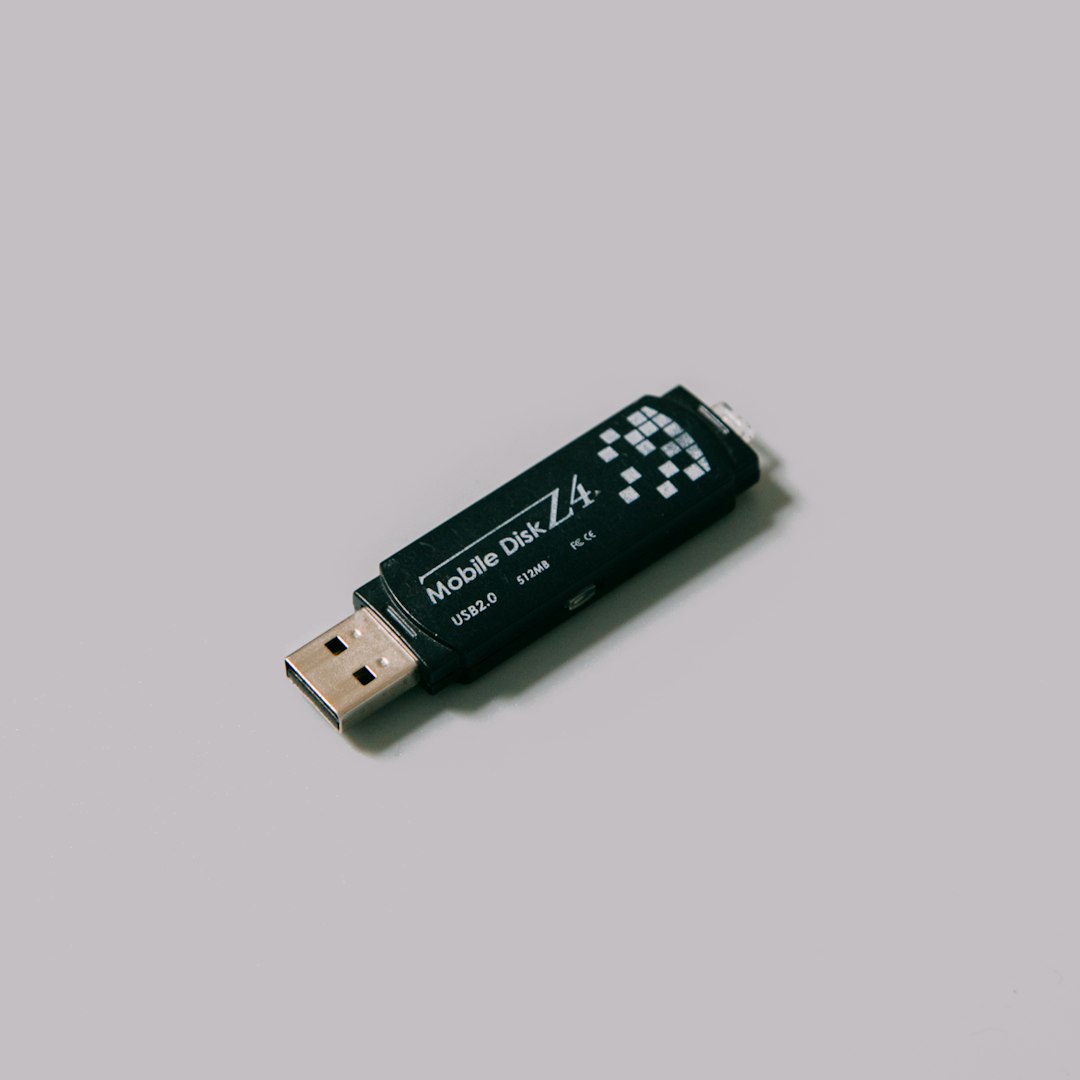
Picture this. A dusty old PC has no internet. Windows does not know the network card. You cannot download the network driver because the network does not work. Classic computer comedy. SDIO can save the day if you already have the offline packs on a USB drive.
SDIO is best for:
- PC repair shops
- IT techs
- Old desktops
- Fresh Windows installs
- Machines with missing network drivers
What gets annoying with SDIO
SDIO can feel scary for beginners.
It may show many driver options. Some are fine. Some may be risky. Some may not be needed at all.
Expect to waste time checking boxes. If you rush, you can install a driver that works worse than the old one. Then you get to enjoy Device Manager. Nobody claps.
The interface is also not plush. It is practical. It looks like a tool made by people who fix things, not people who sell shiny buttons.
Safety: who protects you better?
Intel DSA is safer for beginners.
It has a narrow job. That helps. Fewer supported devices means fewer wild guesses.
SDIO is safe in careful hands. But careful is the key word. You should create a restore point first. You should read the suggested driver list. You should avoid updating every item just because a checkbox exists.
That checkbox is not a dare.
Ease of use
Intel DSA is easier. No contest.
- Install it.
- Run the scan.
- Install approved Intel updates.
- Restart if needed.
SDIO takes more thought.
- Download the tool.
- Choose online or offline packs.
- Scan hardware.
- Review matches.
- Create a restore point.
- Install selected drivers.
That is not hard for tech people. It is a lot for someone who only wanted better Bluetooth.
Offline use
SDIO wins here.
Intel DSA needs internet access. That is fine on a working PC. It is useless when the missing driver is the Wi Fi driver.
SDIO can sit on a USB stick with driver packs. Walk up to a broken machine. Plug it in. Start fixing.
Best use cases
Use Intel Driver & Support Assistant if:
- You own an Intel laptop or desktop.
- You want simple updates.
- You do not want to guess.
- Your internet works.
- You mainly need Intel graphics, Wi Fi, or Bluetooth updates.
Use Snappy Driver Installer Origin if:
- You fix many PCs.
- You need offline driver support.
- Windows shows unknown devices.
- You know how to use Device Manager.
- You can spot a bad driver suggestion.
My simple verdict
Choose Intel Driver & Support Assistant first. It is the better daily driver tool. It is clean, focused, and hard to misuse.
Keep Snappy Driver Installer Origin as a rescue tool. It is brilliant when Windows is missing drivers or a PC has no internet. But it is not the tool I would hand to my uncle and say, “Click around, you’ll be fine.”
The best setup is simple. Use Intel DSA for Intel updates. Use Windows Update for general basics. Use SDIO only when something is missing, broken, or offline. That mix keeps your PC updated without turning driver updates into a weekend hobby.