
Make a trailer by selling one clear promise, then cutting every shot that does not support it. A strong trailer is not a small version of the full film, video, or product demo. It is a controlled argument: this is worth your time, money, attention, or ticket purchase.
TLDR: Build your trailer around one hook, one emotional arc, and one action you want the viewer to take. Keep most trailers between 30 and 120 seconds, depending on the platform and purpose. For example, a product team that cuts a 90-second feature list into a 45-second problem-solution trailer may see stronger completion rates, such as moving from 38% to 60%+ on social ads. Use music, pacing, captions, and the final shot to make the message stick.
Start With the Trailer’s Job
Before editing, decide what the trailer must do. A film trailer may need to create mystery. A YouTube trailer may need to earn a subscription. A product trailer may need to turn doubt into a demo booking.
Write this in one sentence:
- For a film: “This trailer makes viewers want to know what happens next.”
- For a video series: “This trailer proves the channel is useful, credible, or entertaining.”
- For a product: “This trailer shows the problem, the relief, and the next step.”
If you cannot say the job in plain language, the edit will get messy. Honestly, it feels like many trailers fail before the timeline opens because no one agrees on the point.
Build a Simple Story Structure
A trailer still needs structure. It does not need the full story, but it needs a beginning, middle, and end. The viewer should feel movement.
- The hook: Open with the strongest image, line, problem, or question. You have about 3 to 5 seconds before many viewers decide to leave.
- The setup: Show the world, the person, the conflict, or the product problem. Keep it clear.
- The escalation: Raise the stakes. Add pressure, emotion, proof, danger, humor, or speed.
- The turn: Reveal what changes. This could be a twist, a product benefit, a character choice, or a bold claim.
- The close: End with a title, release date, logo, call to action, or final memorable shot.
For a product trailer, this structure may look like: messy workflow, missed deadline, new tool appears, task becomes simpler, book a demo. For a film, it may be: normal life, strange event, rising danger, emotional choice, title card.

Choose the Right Length
Length depends on where the trailer will live. Do not pick a length because it “feels right.” Pick it based on viewer intent.
- 6 to 15 seconds: Good for ads, teasers, and quick product hooks.
- 30 to 60 seconds: Strong for social media, landing pages, and app previews.
- 60 to 120 seconds: Best for film trailers, crowdfunding videos, and detailed product stories.
- 2 minutes or more: Use only when the audience is already interested.
Short does not mean shallow. A 30-second trailer can still have a full arc if each shot has a job.
Select Footage With Discipline
Do not start by dragging every good clip into the timeline. That way lies clutter. Start with categories:
- Hook shots: striking visuals, bold claims, surprising moments.
- Context shots: location, user problem, character, product interface.
- Proof shots: results, reactions, reviews, recognizable features.
- Emotion shots: fear, relief, wonder, tension, joy.
- Action shots: movement, transformation, click, reveal, impact.
Every clip should answer one question: Why should the viewer care right now? If it only looks nice, save it for another version.
Edit for Rhythm, Not Just Information
A trailer is felt before it is understood. Rhythm tells the viewer when to lean in. Start controlled, build pace, then give the audience a clean final beat.
Use these editing rules:
- Cut early. Enter scenes late and leave before the energy drops.
- Vary shot length. Mix fast cuts with pauses so the trailer can breathe.
- Match cuts to beats. Use music hits, sound effects, or dialogue turns.
- Protect clarity. Fast editing is useless if the viewer cannot tell what changed.
- Use text sparingly. Title cards should sharpen the message, not explain the whole thing.
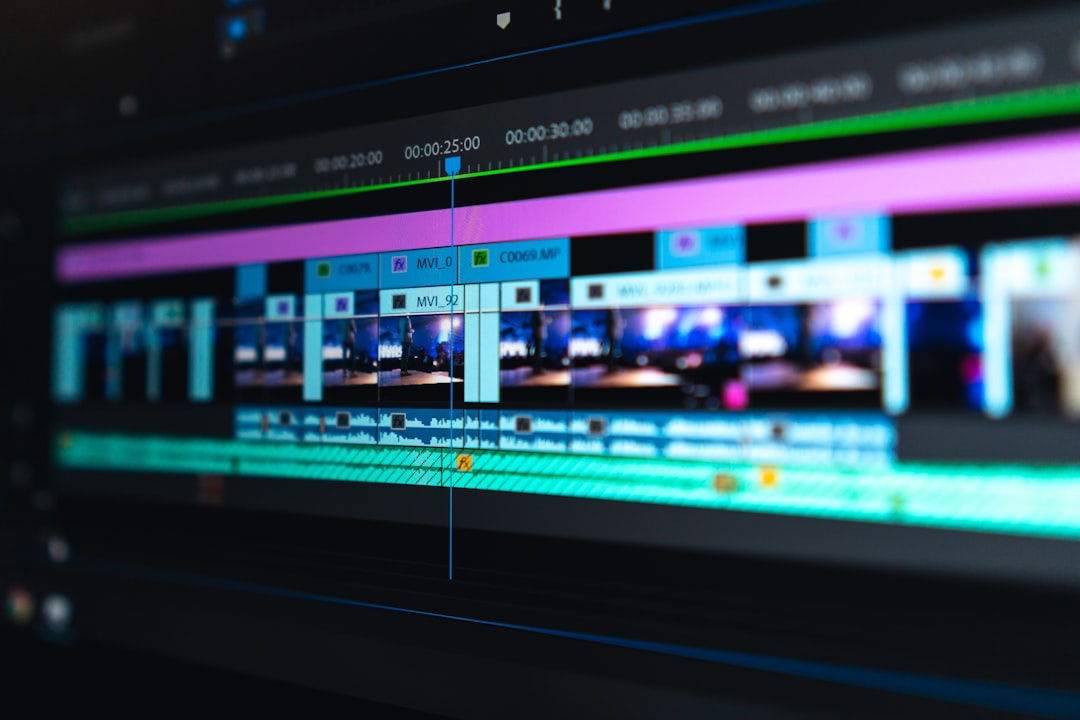
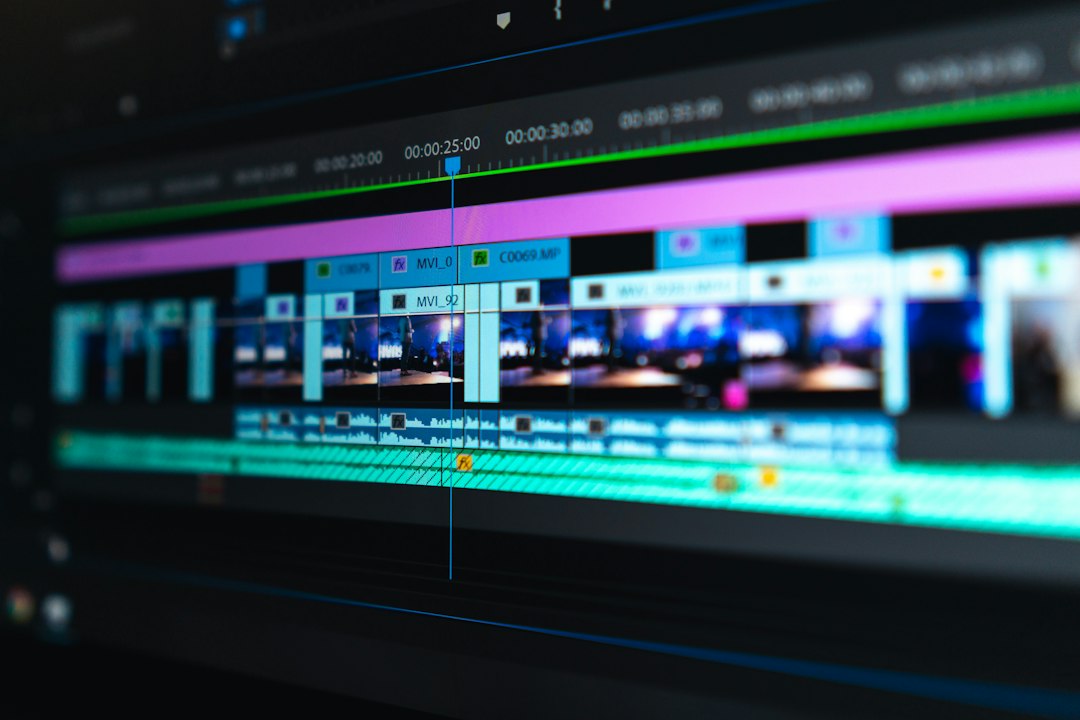
It drives me crazy when editing software makes basic audio fades take three clicks more than they should. Still, do not skip them. Rough audio makes even expensive footage feel cheap.
Use Music as Structure
Music is not decoration. It is the spine of the trailer. Choose the track before the final edit when possible. A good track gives you beats, builds, drops, and space for dialogue.
Common music shapes include:
- Single build: starts quiet, grows steadily, ends big.
- Three-act cue: intro, tension, climax.
- Pulse track: steady rhythm for tech, sports, fashion, or product trailers.
- Minimal score: useful for serious films, documentaries, and premium brands.
Watch your licensing. Use properly licensed music from a reputable library or commission a composer when budget allows. Do not assume “royalty free” means free for every usage. Check whether the license covers ads, broadcast, paid social, and global distribution.
Add Sound Design for Impact
Sound design sells weight. A logo reveal needs a soft hit. A product click may need a clean tap. A scary cut may need a low boom. These sounds do not need to be loud. They need to feel intentional.
Use sound effects for:
- Transitions and title cards.
- Impacts, reveals, and cuts to black.
- Interface actions in product trailers.
- Atmosphere, such as city noise, wind, rooms, or crowds.
Keep dialogue clear. Lower the music under speech. Remove hums and harsh breaths. If viewers need to replay a line to understand it, the mix has failed.
Create Visual Hooks
A visual hook is the thing people remember after the trailer ends. It might be a face, object, motion, color, product moment, or impossible image.
Strong hooks include:
- A question: someone opens a door and freezes.
- A contrast: a calm voice over chaotic visuals.
- A result: a dashboard jumps from 12% to 84% completion.
- A reveal: the product removes ten steps from a painful task.
- A symbol: one image that captures the whole story.
For product trailers, screen recordings need special care. Zoom into the exact action. Highlight the cursor. Remove dead time. Nobody wants to watch a pointer drift across a dashboard for seven seconds.
Write Text and Voiceover With Restraint
Trailer copy should be short. The viewer is watching, reading, and listening at the same time. Do not overload them.
Use voiceover when it adds authority, emotion, or speed. Use text when the message must be understood without sound. This matters because many social videos start muted.
Good trailer lines are direct:
- “One town. One night. No way out.”
- “Plan, approve, and publish campaigns in one place.”
- “The case was closed. The evidence was not.”
Avoid vague lines such as “Change the way you work forever.” They sound large but say little.
Finish With a Clear Call to Action
The final seconds decide what happens next. Tell the viewer exactly what to do.
- Film: “Only in theaters October 18.”
- Streaming: “Watch the full series now.”
- Product: “Start a free trial” or “Book a demo.”
- Event: “Register before June 3.”
Place the logo, title, URL, or release date on screen long enough to read. Two seconds is often too short. Three to five seconds is safer.
Test, Measure, and Cut Again
Export at least three versions: a short cut, a main cut, and a platform-specific cut. Test opening shots, captions, music, and call to action. Track 3-second views, completion rate, click-through rate, and conversions.
If viewers drop before the midpoint, the hook or pacing is weak. If they watch but do not click, the offer or final card may be unclear. A trailer is not finished when it looks polished. It is finished when the right audience responds.