
A DTG connection is the digital and operational link between an online order and a direct-to-garment printing workflow. It moves customer data, artwork, garment choices, print instructions, production status, and tracking details from one system to another, so a shirt can go from “purchased” to “printed and shipped” with fewer manual steps.
TLDR: A DTG connection connects your store, artwork files, print queue, garment inventory, and shipping tools into one workflow. For example, if 100 customers order custom shirts in a day, a solid connection can push those orders straight into production instead of forcing staff to copy names, sizes, colors, and files by hand. A small shop processing 40 orders daily might save 2 to 4 hours per day by cutting repetitive admin work. The result is faster fulfillment, fewer mistakes, and cleaner tracking for both the seller and the buyer.
What DTG Means
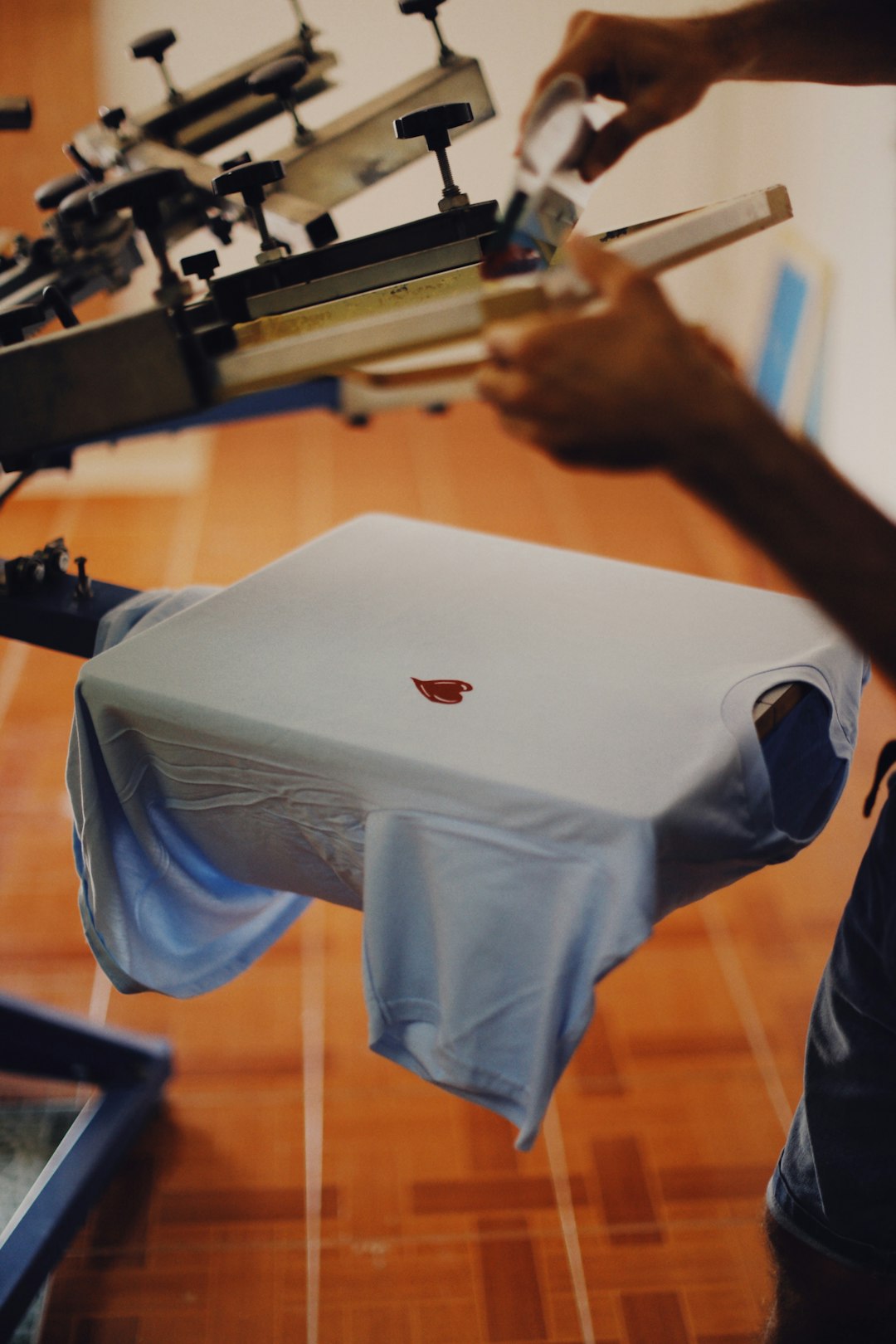
DTG stands for direct-to-garment. It is a printing method where ink is sprayed directly onto fabric, usually cotton or cotton-rich apparel. Think of it as an inkjet printer for shirts, hoodies, tote bags, and other textile items.
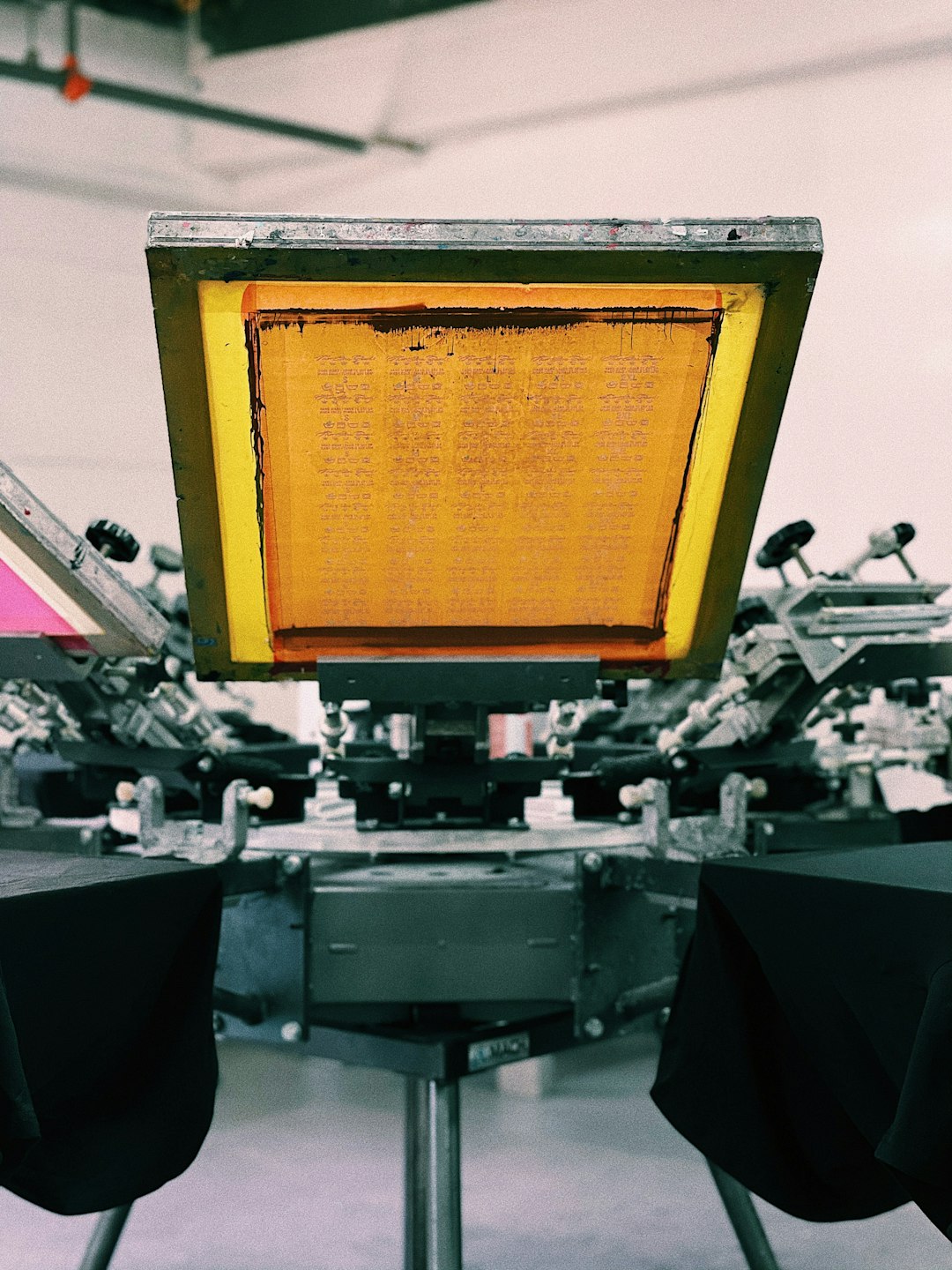
Unlike screen printing, DTG does not require separate screens for each color. That makes it useful for short runs, one-off designs, detailed artwork, and print-on-demand stores. A customer can order one black T-shirt with a full-color illustration, and the shop can produce it without setting up a large batch.
So, What Is a DTG Connection?
A DTG connection is not the printer itself. It is the system bridge around the printer. It links tools such as:
- Online stores, such as ecommerce platforms or marketplaces
- Product catalogs, including sizes, colors, SKUs, and blanks
- Artwork files, often PNG, TIFF, or PDF files
- Order management systems
- Print production software, often called RIP software
- Inventory systems
- Shipping platforms and carrier tracking tools
In plain terms, it tells the production team what to print, where to print it, which garment to use, and where to ship it. A good system does this without someone opening five tabs, downloading files, renaming folders, and praying the size chart was mapped correctly.
Honestly, it feels like the smallest mismatch can cause the biggest headache. One wrong SKU can send a medium navy shirt to the queue as a large black one, and suddenly a simple order costs 15 extra minutes to fix.
How a DTG Connection Works
The process usually starts with a product listing. The seller creates a shirt, hoodie, or bag in an online store. Each product variation has its own data: size, color, artwork placement, price, blank supplier, and sometimes print area limits.
When a customer places an order, the connection sends the order details to the production system. This can happen through an API, a webhook, a plugin, or a built-in app. The record may include:
- Customer name and shipping address
- Product type and garment color
- Size and quantity
- Artwork file location
- Print position, such as front chest or back print
- Order deadline or shipping method
Next, the production system checks whether the file is ready. This step is often called preflight. It checks resolution, transparency, color mode, canvas size, and print placement. If the artwork is too small or has a bad background, the order may be flagged.
After that, the order moves into the print queue. The printer operator loads the right blank garment, applies pretreatment if needed, and sends the artwork through RIP software. RIP software converts the design into instructions the DTG printer can understand. It controls ink levels, white underbase, color profiles, and print passes.
Once printed, the garment is cured with heat. This bonds the ink to the fabric. Then comes quality control, folding, packing, label printing, and shipping confirmation. The tracking number is sent back through the connection to the store, so the customer gets an update.

The Main Parts of a DTG Connection
A strong DTG setup has several moving parts. Each one affects speed and accuracy.
1. Product Mapping
Product mapping connects each online product to a real garment. For example, “Classic Tee Black Medium” must match an actual blank in stock. If mapping is sloppy, production breaks down fast.
2. Artwork Handling
The connection must send the correct art file. It should preserve transparency, size, and placement. This matters most for custom names, photo uploads, and personalized products.
3. Order Routing
Some businesses use one print room. Others use several fulfillment partners. Order routing decides where each order goes based on location, stock, capacity, or shipping speed.
4. Printer and RIP Settings
Not every file prints the same way on every garment. A white design on a black hoodie needs different settings than a pastel print on a white cotton tee. Ink limits, pretreatment, and curing time all matter.
5. Status Updates
A proper connection sends status updates back to the seller. Common statuses include received, in production, printed, shipped, and cancelled.
Why Businesses Use DTG Connections
The biggest reason is simple: fewer manual tasks. Manual order handling is slow and error-prone. It also makes growth painful. A shop can handle 10 orders a day with spreadsheets. At 150 orders a day, that same method becomes a mess.
A DTG connection helps with:
- Speed: Orders can enter production within seconds.
- Accuracy: Fewer copy-and-paste errors.
- Scalability: More orders can be processed without hiring as quickly.
- Customer updates: Tracking details can be sent automatically.
- Better reporting: Sellers can see production volume, delays, and product trends.
It drives me crazy that some systems still make users refresh a dashboard for production updates. A delay of 30 seconds may sound tiny, but across hundreds of orders it creates uncertainty, duplicate checks, and support tickets nobody wanted.
Where DTG Connections Can Go Wrong
DTG connections are helpful, but they are not magic. Bad setup can create bad output at scale. The most common problems include mismatched SKUs, low-resolution artwork, missing garment inventory, incorrect print placement, and incomplete shipping data.
Color is another issue. Screens glow. Shirts do not. A bright RGB design may print duller on fabric, especially on dark garments. This is why color profiles and test prints matter.
File naming can also cause pain. If ten designs are called “final artwork.png,” production staff will eventually print the wrong one. Use clear names with product, color, placement, and version details.

What to Check Before Setting One Up
Before building or choosing a DTG connection, review the basics. A rushed setup can create weeks of cleanup.
- Confirm that your ecommerce platform can send order data reliably.
- Use clear SKUs for every garment size and color.
- Set artwork rules for file type, resolution, and print area.
- Test orders before accepting real customers.
- Check how cancellations and edits are handled.
- Make sure tracking data flows back to the customer.
- Track failed orders in a visible error queue.
Also ask who owns each fix. If an order fails because the artwork is missing, does the seller fix it, the print shop, or the software support team? Clear rules prevent blame games.
Who Benefits Most from a DTG Connection?
DTG connections are useful for print-on-demand brands, merch sellers, creators, small clothing labels, event shops, school spirit stores, and fulfillment companies. They are best for businesses that sell many designs in small quantities.
They are less ideal for huge runs of the same design. In that case, screen printing may be cheaper per unit. DTG shines when variety matters more than bulk.
The Practical Bottom Line
A DTG connection turns scattered tools into a cleaner production flow. It links the customer order to the final printed garment with less typing, fewer mistakes, and faster shipping updates. The printer still needs good files, trained operators, proper curing, and quality checks. But with the right connection, the whole process becomes far easier to manage.
For any business selling custom apparel online, that can be the difference between a stressful print room and a system that can actually grow.