
Google Messages is the better default for most Android users, especially if you care about RCS, spam protection, web messaging, and smoother texting across brands. Samsung Messages still feels comfortable on Galaxy phones, but Google is clearly where Android messaging is heading, helped by RCS passing 1 billion monthly active users according to Google [source: Google].
TLDR: Pick Google Messages if you want the most future-ready texting app on Android. Pick Samsung Messages if you mostly text from a Galaxy phone and like Samsung’s clean, familiar layout. For example, if 7 out of 10 people you text use Android phones with RCS turned on, Google Messages will likely give you better read receipts, typing indicators, and higher-quality media sharing. If your chats are mostly plain SMS with family members, either app will work fine.
What both apps actually do
Both apps handle the basics: SMS, MMS, group chats, photos, videos, links, emojis, and contact syncing. You can pin chats, mute threads, search messages, and block spam. So no, switching apps will not suddenly change texting into something magical.
The real difference is how well each app handles modern messaging. Google Messages feels more universal. Samsung Messages feels more tied to Galaxy phones. That matters if you text people across Pixel, Motorola, OnePlus, Samsung, and iPhone.
RCS: Google has the stronger hand
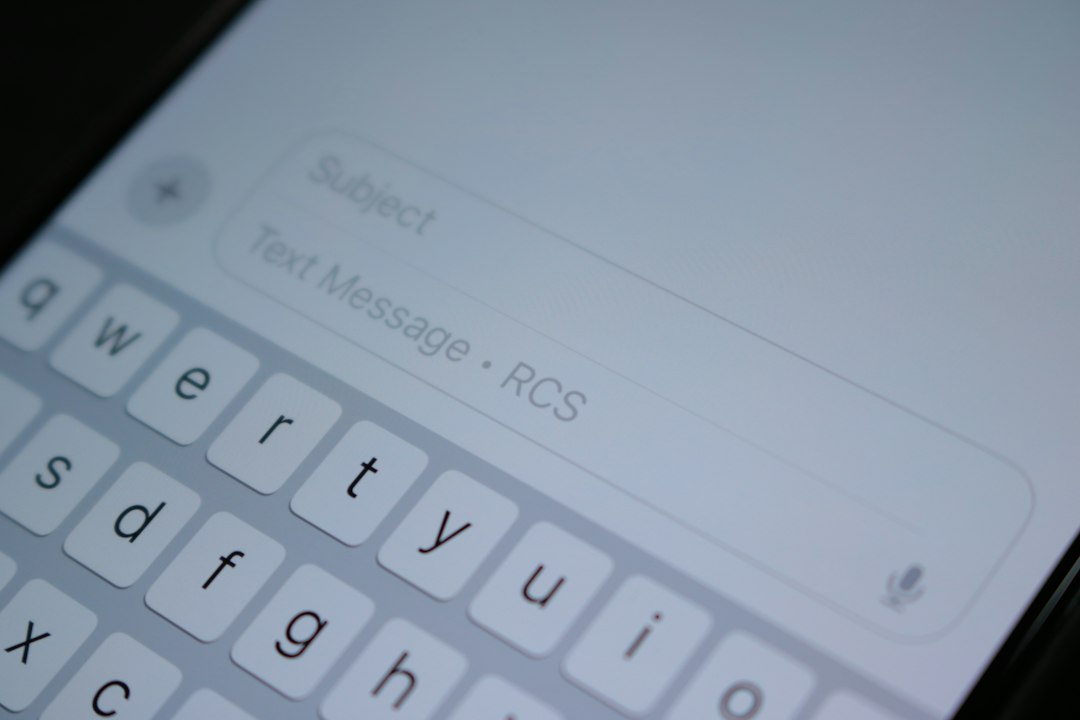
RCS is the big reason Google Messages wins. It adds features people expect from apps like WhatsApp or iMessage:
- Read receipts
- Typing indicators
- Better photo and video quality
- Reactions
- Encrypted one to one chats, when supported
Google Messages is the main Android app pushing RCS forward. It tends to get new RCS features first. It also works well across many Android brands, not just one maker’s phones.
Samsung Messages has supported RCS in some cases, but the experience depends more on region, carrier, phone model, and software version. Honestly, it feels like one of those features where you spend three extra minutes checking settings, only to find out your carrier has made it weird.
Design and ease of use
Samsung Messages has a very Galaxy-style layout. It matches Samsung’s One UI well. If you use Samsung Contacts, Samsung Keyboard, Samsung Calendar, and other built-in apps, it feels natural. The large header style and one-handed layout are nice on big phones.
Google Messages looks cleaner and more neutral. It uses Google’s Material design, so it feels at home beside Gmail, Google Photos, and Google Contacts. Search is strong. The layout is simple. You open it, text someone, and get on with your day.
The catch is that Google Messages can feel a little too busy if you dislike suggestions, smart replies, nudges, and business message features. Some people love that help. Others just want the app to stop guessing what they mean.
Spam protection and safety
Google Messages has a clear edge for spam detection. It can warn you about suspicious texts, filter spam, and mark business messages more clearly. This is useful if your phone number has been passed around by delivery apps, banks, stores, and those mystery “package failed” scammers.
Samsung Messages also has blocking and filtering tools, but Google’s system feels more active. It catches more junk before you waste a tap. If scam texts annoy you every week, this alone may be enough reason to switch.
Desktop texting and multi-device use
Google Messages offers Messages for web, so you can text from a browser or linked device. Pairing is quick. Open the web page, scan a QR code, and your chats appear. It is handy at work, especially when your phone is charging across the room.
Samsung users can also text from PCs through Samsung and Windows features, but it depends more on your device setup. If you use a Galaxy Book, it can feel smooth. If you use a random laptop, Google’s web option is easier.
If you care about secure communication beyond basic texting, you may also like this comparison of Element.io vs Wire for secure messaging. Standard SMS is still weak compared with dedicated encrypted chat apps.
Customization and Galaxy extras
Samsung Messages still has charm. It fits neatly into the Galaxy experience. You may prefer its conversation categories, visual style, and Samsung account links. Some users also like that it feels less “Google everywhere.”
Google Messages has fewer deep Samsung-only touches, but it has broader Android support. If you change from a Galaxy phone to a Pixel later, your experience stays familiar. That is a big plus if you replace phones often.
Which app should you choose?
- Choose Google Messages if you want the best RCS support, spam filtering, web texting, and cross-Android compatibility.
- Choose Samsung Messages if you use a Galaxy phone and care more about One UI style than new messaging features.
- Choose Google Messages if you text many Android users outside Samsung.
- Stick with Samsung Messages if your texting is simple and you hate changing defaults.
For most people, Google Messages is the smarter long-term pick. It gets more attention, works across more phones, and handles RCS better. Samsung Messages is not bad. It is just starting to feel like the older remote in the drawer: familiar, useful, but not the one you reach for first.
If you are comparing more chat tools beyond default SMS apps, this Chatin review may help you weigh features, messaging tools, and alternatives.