
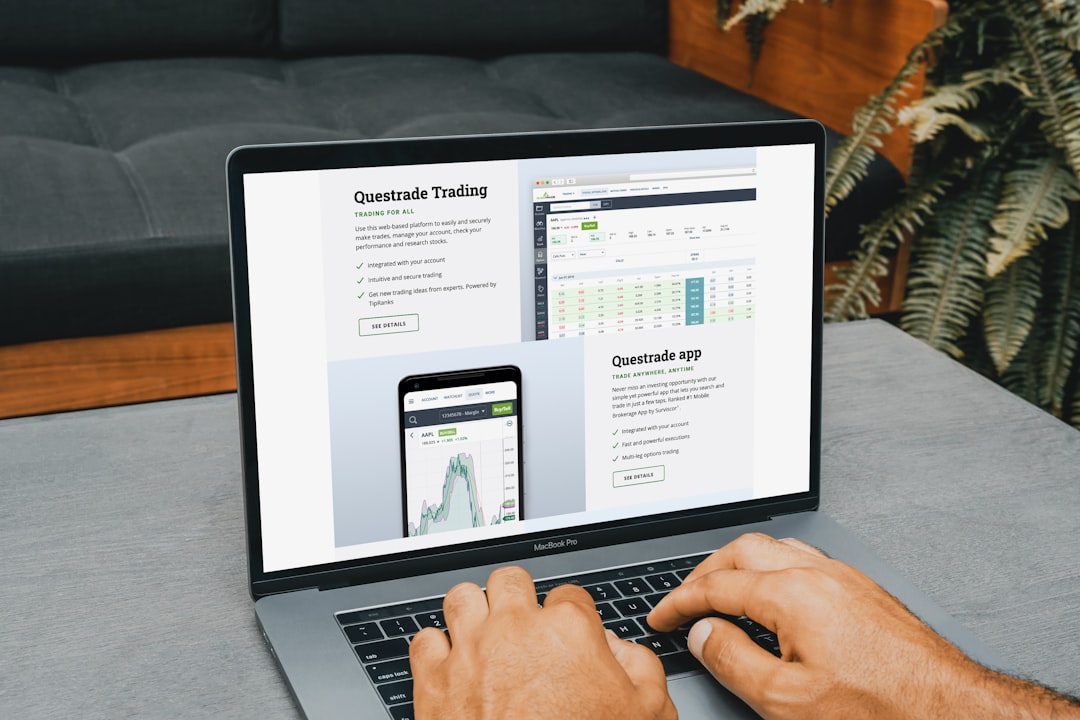
A company’s website often reveals more about its target buyer than its homepage headline ever states. The pricing page, contact page, and sales pages show who the business expects to convert, what objections it anticipates, and how complex the buying decision is likely to be. By studying these pages closely, marketers, sales teams, and researchers can infer whether a brand is targeting individuals, small businesses, enterprise buyers, technical users, budget shoppers, or high-value decision-makers.
TLDR: A website’s pricing, contact, and sales pages can reveal the company’s ideal buyer through plan structure, language, calls to action, form fields, proof points, and sales process signals. Simple pricing and instant checkout often point to self-serve buyers, while custom quotes and demo requests suggest larger or more complex accounts. Contact forms, sales copy, and page emphasis help identify buyer role, urgency, budget level, and decision-making style.
Reading the Pricing Page for Buyer Clues
The pricing page is usually the clearest indicator of a company’s intended customer. It shows not only what the company charges, but also how it expects buyers to think about value. A low monthly price, a free plan, or a “start now” button often signals a self-serve buyer, such as a freelancer, individual creator, startup founder, or small business owner.
By contrast, a pricing page that says “Contact Sales,” “Request a Quote,” or “Custom Pricing” usually points to a more complex buyer. This may include enterprise teams, procurement departments, agencies, healthcare organizations, financial institutions, or companies with compliance requirements. These buyers often need onboarding, negotiation, security reviews, or multi-seat contracts before purchasing.
Several pricing elements help identify the target buyer:
- Plan names: Labels such as “Starter,” “Growth,” and “Enterprise” suggest a company is segmenting buyers by maturity and company size.
- Feature limits: Limits on users, projects, storage, or usage show what the company believes matters most to its audience.
- Billing options: Monthly billing may appeal to smaller buyers, while annual contracts suggest higher commitment and larger budgets.
- Free trials: A free trial implies the buyer can evaluate independently without heavy sales involvement.
- Custom plans: Custom pricing signals that buyer needs vary widely and may require sales consultation.
If the pricing page emphasizes affordability, discounts, and ease of setup, the likely buyer is cost-conscious and wants fast results. If it emphasizes security, scalability, dedicated support, uptime, or compliance, the buyer is more likely to be part of a larger organization with higher risk sensitivity.
Interpreting Calls to Action
Calls to action reveal how the business expects the buyer to move forward. A button reading “Buy Now” or “Start Free” suggests a direct, transactional purchase. The target buyer probably has enough authority to decide immediately and does not need approval from multiple stakeholders.
A button reading “Book a Demo” or “Talk to Sales” signals a consultative process. The product may be expensive, technical, customizable, or difficult to understand without guidance. The buyer may be a department head, operations manager, IT leader, or executive sponsor. In these cases, the website is not trying to close the sale immediately; it is trying to qualify the prospect.
The wording also matters. “Get started in minutes” appeals to a buyer who values speed. “See how it works for your team” appeals to a collaborative buyer. “Request enterprise pricing” appeals to organizations with specific requirements and a larger purchasing process.
Using the Contact Page to Identify Buyer Type
The contact page can be just as revealing as the pricing page. A simple email address or chatbot suggests the company expects casual inquiries or lightweight support needs. A detailed contact form, however, often indicates that the company wants to qualify prospects before responding.
Fields on the contact form are especially important. If the form asks for company size, job title, budget, industry, or timeline, the company is likely targeting business buyers rather than general consumers. If it asks for a phone number and preferred meeting time, the company expects a sales conversation. If it asks about technical requirements, integrations, or current tools, the buyer is probably operational or technical.

The contact page may also show separate paths for different buyer groups:
- Sales inquiries: Indicates revenue-focused lead capture and likely B2B targeting.
- Support requests: Shows existing customer needs and product complexity.
- Partnership requests: Suggests the company may work with agencies, resellers, or affiliates.
- Press or media contact: Indicates a brand with broader market visibility.
- Enterprise contact: Signals a high-value segment with custom needs.
Location details can also provide clues. A company listing regional offices may target larger clients in multiple markets. A local address and phone number may indicate service-area businesses or buyers who value proximity and trust.
Analyzing Sales Pages for Messaging and Buyer Pain Points
Sales pages show how the company frames the problem and who it believes is experiencing that problem. When a page focuses on saving time, reducing manual work, or increasing team productivity, it may be targeting managers and operators. When it emphasizes revenue growth, competitive advantage, or return on investment, it is likely speaking to executives or business owners.
The language style is another clue. Simple, benefit-driven language often targets non-technical buyers. Detailed feature explanations, API references, integration lists, or security documentation point to technical evaluators. Emotional language may target consumers or founders, while formal, evidence-based language usually targets corporate decision-makers.
Social proof also reveals the intended audience. Testimonials from solo entrepreneurs suggest a small-business audience. Logos from well-known corporations suggest enterprise targeting. Case studies with metrics, implementation details, and stakeholder quotes indicate a buyer who needs proof before making a decision.
Identifying the Buyer’s Role in the Purchase
A website may target several people involved in one buying decision. The pricing page may appeal to the budget owner, the contact page may qualify the lead, and the sales page may persuade the day-to-day user. Identifying the target buyer therefore requires separating the user, influencer, and decision-maker.
- End users care about ease of use, speed, and daily workflow benefits.
- Managers care about productivity, reporting, team adoption, and outcomes.
- Executives care about strategy, ROI, risk reduction, and scalability.
- Technical buyers care about integrations, security, implementation, and support.
- Procurement teams care about contracts, pricing, compliance, and vendor reliability.
If a sales page contains sections for security, ROI, integrations, and customer success, the company is likely addressing multiple stakeholders. This is common in B2B markets where one person rarely makes the purchase alone.
Recognizing Budget and Market Position
Pricing structure and page design can indicate whether the company targets budget-conscious buyers or premium buyers. A page that highlights discounts, free access, and low entry costs is likely pursuing volume. A page that avoids showing prices and instead emphasizes expertise, exclusivity, dedicated support, or transformation is likely pursuing higher-value clients.
Premium positioning often includes phrases such as “custom solution,” “strategic consultation,” “white-glove onboarding,” or “dedicated account manager.” These phrases suggest that the buyer expects hands-on service and has a larger budget. Budget positioning often includes phrases such as “affordable,” “no credit card required,” “cancel anytime,” or “simple pricing.”

Building a Target Buyer Profile from Page Evidence
After reviewing the key pages, the observer can combine the signals into a practical buyer profile. This profile should include the likely buyer’s company size, role, budget level, urgency, objections, and preferred buying process.
For example, a website with public pricing, monthly plans, a free trial, and short benefit-driven sales copy likely targets small businesses or individuals who want quick setup. A website with no public pricing, demo requests, case studies, compliance badges, and detailed contact forms likely targets enterprise or mid-market buyers who need validation and sales support.
The best analysis does not rely on one signal alone. A “Contact Sales” button may indicate enterprise targeting, but it could also indicate a service business that needs to scope each project. The strongest conclusions come from patterns across pricing, forms, copy, proof, and calls to action.
FAQ
What is the fastest way to identify a target buyer from a website?
The fastest method is to review the pricing page and main calls to action. Public pricing with instant checkout often indicates self-serve buyers, while custom pricing and demo requests usually indicate higher-value or more complex buyers.
Does custom pricing always mean the company targets enterprises?
No. Custom pricing can suggest enterprise buyers, but it may also mean the product or service varies by project scope, usage, industry, or client requirements.
Why are contact form fields important?
Contact form fields show what information the company needs to qualify a lead. Questions about company size, budget, role, and timeline often reveal the type of buyer the company wants to attract.
How can sales page language reveal the buyer’s role?
Sales copy focused on productivity may target managers, technical details may target IT teams, and ROI-focused messaging may target executives or business owners.
Can a website target more than one buyer?
Yes. Many websites speak to multiple stakeholders, especially in B2B sales. A single website may address users, managers, executives, technical evaluators, and procurement teams at different stages of the buying process.