
The best Schedule Express alternative is the one that matches how your team actually works: shift scheduling, appointment booking, payroll handoff, or day-to-day task control. A missed shift or double-booked appointment is not just annoying; it can create overtime fast, and private employers paid an average of $43.78 per hour worked in total compensation in March 2024 [source: BLS]. That is why modern scheduling tools need to do more than fill boxes on a calendar.
TLDR: If Schedule Express feels too limited, start by comparing When I Work, Deputy, Homebase, Calendly, and Acuity Scheduling. For example, a 20-person clinic that cuts five missed appointments a week at $75 each could protect about $1,500 per month in bookings. If your pain is staff coverage, pick Deputy or When I Work. If your pain is client appointments, start with Calendly or Acuity.
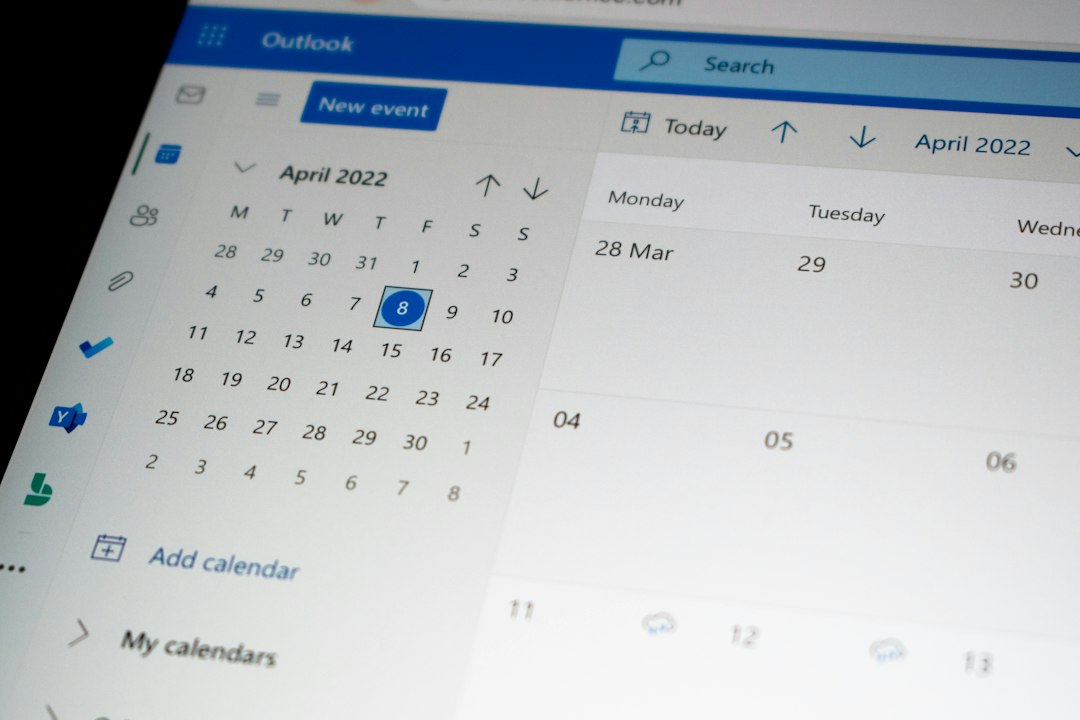
What to Look for in a Schedule Express Alternative
Schedule Express can be useful for organizing work shifts, but many teams hit limits as they grow. Managers want cleaner mobile access. Staff want shift swaps without five text messages. Owners want reports that show labor cost, attendance gaps, and availability.
Before choosing a replacement, check for these basics:
- Employee availability tools so staff can submit preferred hours.
- Appointment booking if customers or patients need to reserve time.
- Mobile notifications for shift changes, open shifts, and reminders.
- Time clock features if you need attendance tracking.
- Payroll or POS connections to cut manual admin work.
- Reports for labor cost, no-shows, late arrivals, and staffing gaps.
1. When I Work
Best for: hourly teams in retail, restaurants, healthcare, and service businesses.
When I Work is a strong option if your biggest issue is who is working, when, and where. It offers shift scheduling, team messaging, availability requests, shift swaps, and time clock features. The mobile app is simple enough for frontline staff, which matters more than some software buyers admit.
The standout feature is open shift management. A manager can publish an empty shift, and qualified employees can claim it. That reduces the group chat chaos. The catch is that setup still takes care. If roles, locations, and permissions are messy at the start, the schedule gets messy too.
Choose it if: you manage shift workers and want fewer “Can anyone cover Friday?” messages.
2. Deputy
Best for: managers who care about labor cost, compliance, and demand planning.
Deputy feels more structured than many basic schedulers. It supports availability, time clock, break tracking, tasks, and labor planning. It is popular with businesses that need tighter control over wage cost and shift rules.
One useful feature is scheduling against demand. For example, a café can staff more people during the morning rush and fewer during slow hours. Deputy also supports location-based clock-ins, which helps stop early punches from the parking lot.
It drives me crazy when scheduling tools hide cost data until payroll day. Deputy does a better job of showing labor cost while the schedule is being built.
Choose it if: your schedule is tied closely to sales, foot traffic, or labor budgets.

3. Homebase
Best for: small businesses that want scheduling, time tracking, and basic HR in one place.
Homebase is friendly for restaurants, shops, salons, and local service teams. It includes scheduling, time clocks, hiring tools, team chat, and payroll add-ons. For a small business, that mix can replace several separate tools.
The free plan is one reason many owners try it first. It can work well for a single location that needs basic scheduling and attendance tracking. Paid plans add more control, including advanced reports and labor cost tools.
Homebase is especially useful when managers are doing everything themselves. Scheduling, hiring, reminders, and time sheets live in one system. Less tab switching. Fewer lost notes.
Choose it if: you run a small team and want an affordable all-in-one tool.
4. Calendly
Best for: appointment booking, sales calls, interviews, consultations, and internal meetings.
Calendly is not a classic staff scheduling tool. It is built for booking time with people. That makes it a good Schedule Express alternative only if your main problem is appointment flow, not shift coverage.
Users create booking links based on real availability. Clients pick a slot. Calendly sends confirmations and reminders. It can connect with calendars, video meeting tools, and CRM systems. According to Calendly, automated scheduling can reduce the back-and-forth involved in finding meeting times [source: Calendly].
For service teams, Calendly works best when paired with a separate staff scheduler. For example, a consulting firm might use Deputy for staff hours and Calendly for client calls.
Choose it if: your team wastes time emailing people to find a meeting slot.
5. Acuity Scheduling
Best for: salons, coaches, clinics, trainers, spas, and appointment-based services.
Acuity Scheduling is more service-focused than Calendly. It supports booking pages, intake forms, payments, packages, memberships, deposits, and reminder messages. That makes it a better fit for businesses where appointments directly create revenue.
A massage therapist, for example, can let clients book a 60-minute session, pay a deposit, answer intake questions, and get a reminder before the visit. That is much cleaner than juggling calls, texts, and paper notes.
Acuity also helps reduce no-shows through reminders and upfront payments. No tool can fix every missed booking, but deposits tend to make clients take the appointment more seriously.
Choose it if: you sell booked services and need payments, forms, and reminders in one place.

Quick Comparison
- When I Work: Best for simple staff scheduling and shift swaps.
- Deputy: Best for labor cost control and rule-based scheduling.
- Homebase: Best for small businesses that want scheduling plus HR basics.
- Calendly: Best for booking meetings and consultations.
- Acuity Scheduling: Best for paid appointments and service businesses.
Which One Should You Pick?
If you are replacing Schedule Express because staff scheduling feels clunky, start with When I Work or Deputy. If payroll, time clocks, and local business needs matter most, test Homebase. If appointment booking is the real problem, compare Calendly and Acuity Scheduling.
The simplest way to decide is to list your top three daily headaches. Missed shifts? Pick a staff scheduling tool. No-shows? Pick an appointment platform. Too much admin work? Pick the system that removes the most manual steps in week one.