
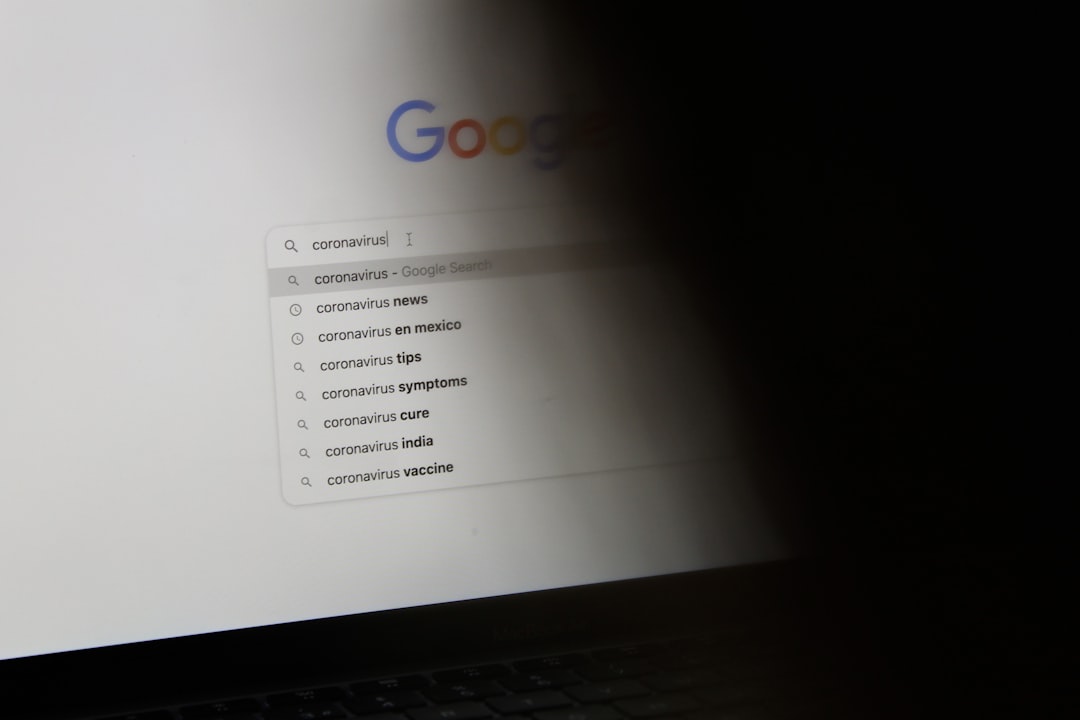
Google Maps usually treats “energy drinks” as a local shopping query, not only as a question about ingredients. When a searcher types “what is in energy drinks Google Maps search,” the system may mix two intents: learning what energy drinks contain and finding nearby places that sell them. That means results can show convenience stores, gas stations, grocery stores, cafés, supplement shops, and sometimes individual product listings.
TLDR: Google Maps reads product and location searches by matching words such as energy drinks with nearby businesses, product mentions, photos, reviews, and business categories. For example, a shopper searching “energy drinks near me” may see a gas station 0.3 miles away above a supermarket 1.2 miles away, even if the supermarket has more brands. In local search tests, proximity can heavily shape the top results, while reviews and product wording often decide which stores appear next. A simple search can take 3 to 5 extra minutes when inventory details are missing or outdated.
Why Google Maps Shows Stores for an Ingredient Question
A phrase such as “what is in energy drinks” sounds informational. A normal web search may answer with ingredients like caffeine, sugar, taurine, B vitamins, guarana, ginseng, and flavoring agents. Google Maps, however, is built around places. So when the phrase appears inside Maps, it often focuses on where the product can be found.
This creates a mixed result. The searcher may want an ingredient list, but Maps may answer with nearby retailers. It may assume the person wants to buy an energy drink, compare stores, or check if a local shop carries certain brands.
Honestly, it feels like a simple question can become a small chore. A person may ask what is inside a drink and end up staring at a list of gas stations. That mismatch happens because Maps gives strong weight to local intent.
Image not found in postmetaWhat Is Usually in Energy Drinks?
Energy drinks vary by brand, but many share a familiar formula. The label often includes stimulants, sweeteners, vitamins, and flavor systems. Some contain herbal extracts or amino acids marketed for focus or performance.
- Caffeine: Often the main stimulant. Many cans contain about 80 mg to 300 mg, depending on size and brand.
- Sugar or sweeteners: Regular versions may have high sugar content. Zero sugar versions use sweeteners such as sucralose or acesulfame potassium.
- Taurine: An amino sulfonic acid commonly used in energy drink formulas.
- B vitamins: Often included for energy metabolism claims.
- Guarana: A plant extract that naturally contains caffeine.
- Ginseng or other extracts: Used in some drinks for focus or wellness positioning.
- Carbonation and flavoring: These shape the taste and mouthfeel.
Maps does not always explain these ingredients. It may show a store profile, photos, product shelves, menu items, or user reviews instead. For ingredient details, the searcher often gets better answers from product pages, nutrition labels, or standard Google Search results.
How Google Maps Interprets Product Queries
Google Maps appears to break searches into signals. It looks for the product, the place, the implied task, and the searcher’s location. The query “energy drinks near me” is very clear. The query “what is in energy drinks” is less clear inside Maps, but the product term still matters.
Local results can be shaped by the following factors:
- Relevance: Does the business have signs that it sells energy drinks?
- Distance: How close is the business to the searcher or searched area?
- Prominence: Is the business well known, reviewed, and active online?
- Business category: Is it listed as a convenience store, grocery store, gas station, pharmacy, gym, or supplement shop?
- Review text: Do customers mention “energy drinks,” “Monster,” “Red Bull,” “Celsius,” or similar terms?
- Photos: Do images show refrigerators, drink coolers, or shelf displays?
- Business profile content: Does the owner list products, services, or store details?
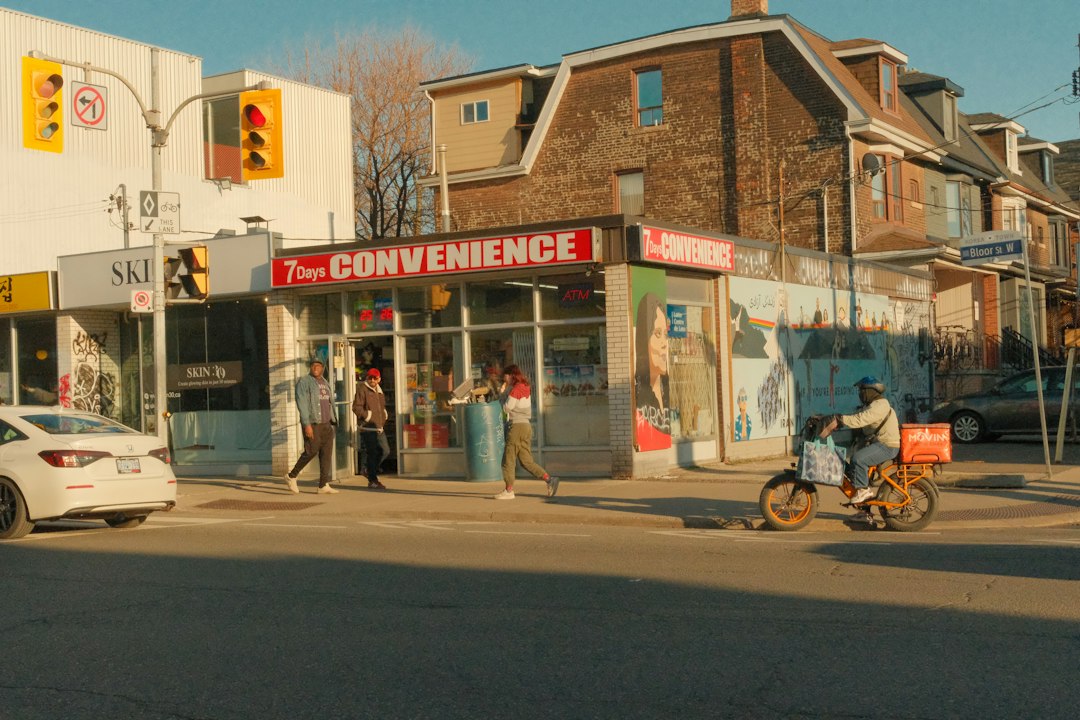
Maps may rank a nearby convenience store highly because it fits the purchase intent. A supplement store may appear if words like pre workout, caffeine, or performance drinks show up in its profile. A café may appear if it sells canned drinks or has them visible in photos.
Why Results Can Feel Inconsistent
The same search may produce different results on different phones, in different neighborhoods, or at different times. That can annoy users. A store may show up because a reviewer mentioned “cheap energy drinks” two years ago, even if the cooler no longer carries them.
Maps also has limited real-time product inventory. Some large retailers connect product feeds, but many small stores do not. So a result may be relevant as a place type, not as proof that a specific drink is in stock.
Product Search Versus Location Search
A product query asks for an item. A location query asks for a place. Many Google Maps searches combine both.
- Product only: “energy drinks”
- Product plus location: “energy drinks near downtown”
- Brand plus location: “Celsius energy drink near me”
- Store type plus product: “gas station energy drinks”
- Question plus product: “what is in energy drinks”
The more local the wording, the more likely Maps is to show stores. The more educational the wording, the more likely a general search engine result is useful. Still, Maps may pull the query toward places because that is its core function.
How Searchers Can Get Better Results
Searchers can reduce wasted taps by using more direct wording. Instead of typing “what is in energy drinks” into Maps, they can use one search for education and one for shopping.
- Use “energy drink ingredients” in standard Google Search for nutrition information.
- Use “energy drinks near me” in Maps for local stores.
- Use a brand name, such as “Red Bull near me”, when looking for a specific product.
- Check recent photos before visiting a store.
- Call the business if a specific flavor or pack size matters.
- Look for “in stock” labels when Maps links to retailer inventory.
Expect to waste time on weak listings when businesses do not update their profiles. A searcher may tap three stores before finding one with useful product photos. That is irritating, but it is common.
How Local Businesses Can Appear for Energy Drink Searches
Retailers can improve their odds by making product signals clear. A convenience store, gym, grocery shop, or café should not rely only on its category. It should add details that match how shoppers search.
- Add product terms to the business description where appropriate.
- Upload clear photos of drink coolers and shelves.
- Post updates about new brands, zero sugar options, or promotions.
- Encourage honest reviews that mention product selection.
- Keep hours accurate, especially for late-night searches.
- Use product inventory tools if the business platform supports them.
A store that sells energy drinks at 11 p.m. may win searches simply because it is open while competitors are closed. A complete profile gives Maps more signals and gives shoppers fewer reasons to bounce.
What This Means for the Search Phrase
The phrase “what is in energy drinks Google Maps search” reflects a real search behavior problem. People mix product questions with place-based tools all the time. Google Maps then tries to infer intent from limited words, current location, business data, and past search patterns.
For the searcher, the best path is simple. Use Google Search to understand ingredients. Use Google Maps to find sellers. For the business owner, the goal is also clear. Make the product visible in the profile, photos, posts, and reviews.
FAQ
Why does Google Maps show stores when someone searches “what is in energy drinks”?
Google Maps is place focused. It may treat “energy drinks” as a product someone wants to buy, then show nearby stores that likely sell them.
What ingredients are most common in energy drinks?
Common ingredients include caffeine, sugar or sweeteners, taurine, B vitamins, flavorings, carbonation, and sometimes guarana, ginseng, or other extracts.
Can Google Maps show whether a specific energy drink is in stock?
Sometimes. Large retailers may show inventory links, but many local stores do not provide live stock data. Calling the store is often faster.
How can a shopper find a specific brand on Maps?
The shopper should search the brand name with a local phrase, such as “Monster Energy near me” or “Celsius drink near downtown”.
How can a store rank better for energy drink searches?
The store should keep its Google Business Profile accurate, add product photos, mention energy drinks in posts or descriptions, and maintain current hours.