
A reliable web scraping workflow starts with clear targets, controlled requests, clean parsing, strong monitoring, and respectful data handling. Skip any one of these, and your scraper will break at the worst possible time. The public web keeps growing too; global data creation is forecast to reach 181 zettabytes by 2025 [source: Statista]. That means more useful data, but also more noise, more page changes, and more ways for a scraper to fail.
TLDR: A solid scraping workflow needs five things: a clear data plan, polite request handling, durable parsing, data checks, and monitoring. For example, if you scrape 50,000 product pages each night and even 3% fail silently, you lose 1,500 records before breakfast. That can ruin price tracking, lead lists, or market reports. Build the workflow like a small production system, not like a weekend script.
1. A clear target and data plan
Start with the boring part. It saves the most pain.
Before writing code, define exactly what you need. List the fields. Name the pages. Decide how often the data should refresh. Write down what “good data” looks like.
- Target URLs: category pages, search pages, item pages, or API endpoints.
- Fields: title, price, date, rating, location, SKU, author, or stock status.
- Refresh rate: hourly, daily, weekly, or only once.
- Output format: CSV, JSON, database table, spreadsheet, or warehouse.
Honestly, it feels like half of scraping bugs come from vague goals. “Scrape this site” is not a plan. “Collect name, price, stock status, and product URL from 12 category pages every morning at 6 a.m.” is a plan.

2. Polite and controlled request handling
A scraper that sends requests too fast is asking for trouble. It can get blocked. It can also harm the site. Neither is useful.
Use rate limits, timeouts, and retry rules. Add small random delays. Respect robots.txt when it applies to your use case. Identify your scraper with a clear user agent if the project allows it.
A good request layer should handle common problems:
- 429 errors: slow down when the site says “too many requests.”
- 500 errors: retry later instead of failing forever.
- Timeouts: skip and log the page after a sensible limit.
- Redirects: record where the URL ended up.
- Session cookies: keep them when a site needs them for normal browsing.
The catch is that bad retry logic can make things worse. If 1,000 URLs fail and your scraper retries each one ten times in ten seconds, you just created 10,000 extra requests. Use backoff. Wait longer after each failed try.
3. Durable parsing that survives small page changes
Web pages change. Buttons move. Class names get renamed. Product cards gain a new badge. Your scraper should not panic every time a designer changes a layout.
Use selectors that are as stable as possible. Prefer IDs, semantic attributes, structured data, and clear text patterns over random CSS class names. Many modern sites include JSON inside the page. If that data is public and available in the page source, it can be cleaner than pulling text from HTML nodes.
Build parsers in small parts. One function should extract the title. Another should extract the price. Another should clean the date. This makes bugs easier to find.
Also store the raw HTML for failed pages, at least for a short period. It drives me crazy when a job fails at 2:13 a.m. and there is no saved sample to inspect. Without the raw page, you are guessing.
4. Data validation and cleaning
Scraped data is messy. Prices include currency symbols. Dates use different formats. Some fields are missing. Some pages are duplicates. Expect this.
Add checks before the data reaches your final system. Simple rules catch most issues:
- Required fields: reject records with no title or URL.
- Type checks: price must be a number, not “Contact us.”
- Range checks: a laptop probably should not cost $0.01 or $999,999.
- Duplicate checks: use canonical URLs or unique IDs.
- Freshness checks: flag data that has not changed or updated in too long.
Keep both the raw value and the clean value when possible. For example, store “$1,299.00” as the raw price and “1299.00” as the clean numeric price. That makes audits much easier later.
5. Monitoring, logs, and alerts
A scraper is not reliable just because it worked once. It is reliable when you know what happened last night, what failed, and why.
Track basic metrics every run:
- Pages requested
- Pages succeeded
- Pages failed
- Records extracted
- Empty fields by percentage
- Average response time
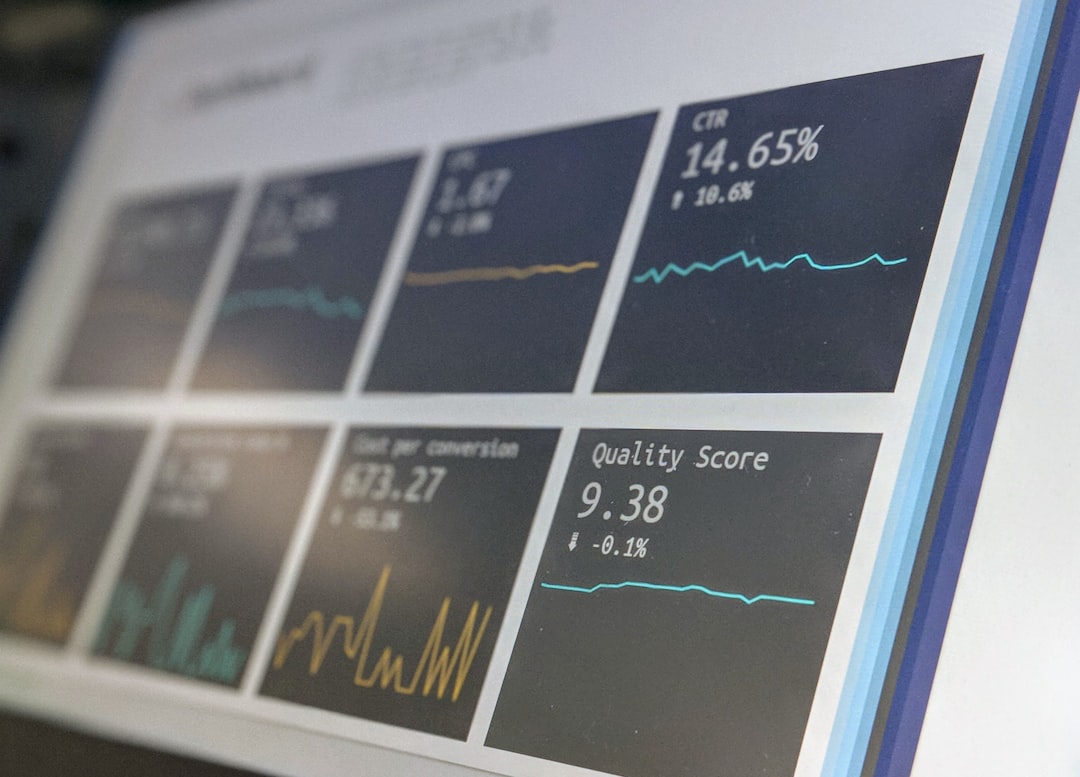
Set alert thresholds. If success drops below 95%, send a message. If the number of extracted records falls by 40%, stop the pipeline before bad data spreads. If response time jumps from 800 milliseconds to 6 seconds, slow the job down.
Logs should be clear enough for a tired human to read. Include the URL, timestamp, status code, error message, and retry count. A log that says “failed” is nearly useless. A log that says “price selector returned empty on URL X after layout change” is gold.
The workflow that actually holds up
The best scraping workflows are not flashy. They are calm, careful, and easy to repair. They know what to collect. They request pages at a sane pace. They parse with stable rules. They clean the data before storage. They report problems early.
That is the real goal: fewer surprises. A scraper will always face broken pages, slow servers, missing fields, and site updates. A reliable workflow does not avoid every problem. It catches them fast, limits the damage, and gives you enough detail to fix the issue without losing your whole morning.