

Sedga is best understood as a business software platform designed to help organizations centralize operations, automate routine work, and turn scattered data into useful decisions. Instead of forcing teams to jump between separate tools for workflows, reporting, customer records, documents, and approvals, Sedga brings these capabilities into a more unified digital environment.
TLDR: Sedga helps businesses manage processes, users, data, approvals, and analytics from one platform. For example, a mid-sized service company could use Sedga to reduce manual approval time by 40% by routing purchase requests automatically to the right manager. It is most useful for organizations that want better visibility, fewer spreadsheets, and more consistent execution across departments. Its value comes from combining workflow automation, reporting, integrations, and role-based access in a flexible business system.
What Is the Sedga Platform?
Sedga is a platform for managing business operations through digital workflows, connected data, and configurable applications. In practical terms, it can serve as a central workspace where employees submit requests, managers approve tasks, teams track cases, and executives monitor performance. The platform’s goal is not only to store information, but to make work move more smoothly from one step to the next.
Many companies suffer from fragmented processes: sales data in one system, finance approvals in another, HR documents in email, and operational reports maintained manually in spreadsheets. Sedga addresses this problem by giving organizations a structured environment where these processes can be designed, automated, monitored, and improved over time.
Core Features of Sedga
While specific configurations may vary by implementation, Sedga’s business value usually comes from several core feature areas:
- Workflow automation: Teams can create approval chains, task routing, notifications, and escalation rules so that work does not depend on manual follow-up.
- Centralized data management: Customer records, operational data, employee requests, project details, and documents can be organized in one controlled environment.
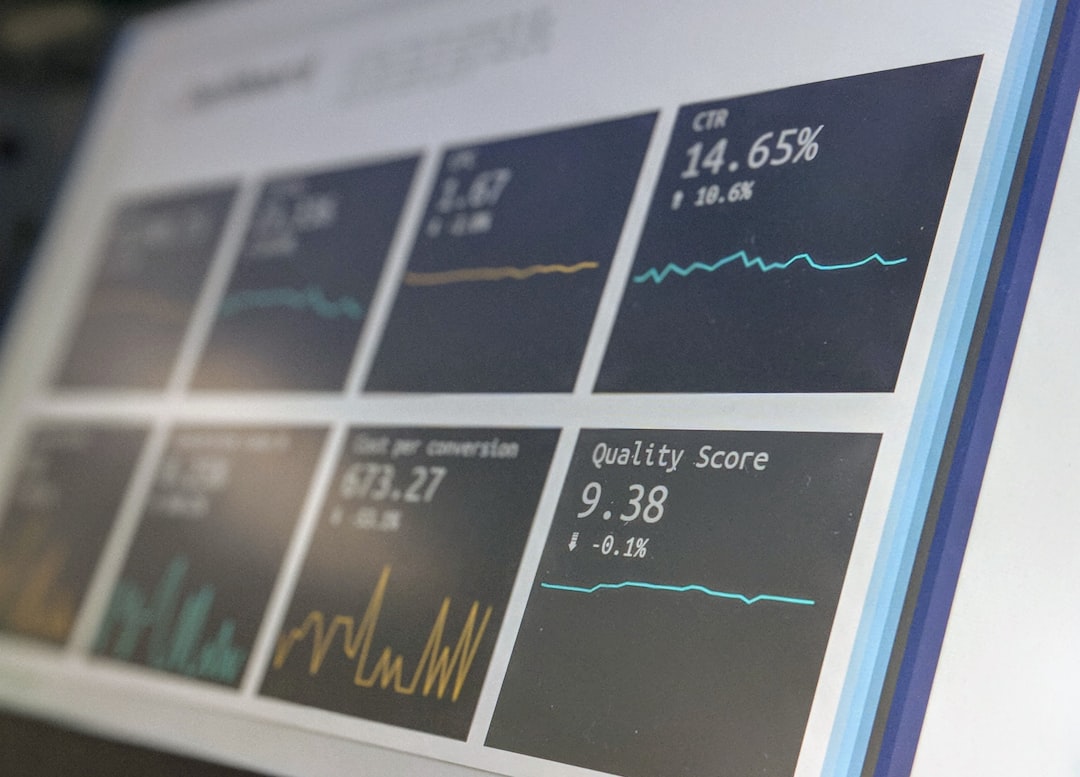
- Dashboards and analytics: Managers can track performance indicators such as request volume, approval time, case status, completion rates, and department workload.
- Role-based access: Users see only the information and actions relevant to their responsibilities, improving security and reducing clutter.
- Document and form handling: Digital forms can replace paper-based processes, while files can be attached, reviewed, approved, or archived.
- Integration capabilities: Sedga may connect with existing business systems such as accounting tools, customer databases, HR platforms, or communication applications.
- Custom business applications: Organizations can configure modules for specific needs, such as procurement, service requests, compliance tracking, or asset management.
Why Businesses Use Sedga
The strongest reason to adopt a platform like Sedga is operational clarity. When processes are handled through email or spreadsheets, it becomes difficult to answer simple questions: Who owns this task? Why is this request delayed? Which department is overloaded? What changed in the approval history?
Sedga helps by turning informal work into trackable digital processes. A request submitted through a form can automatically move to the right reviewer, trigger reminders if action is delayed, and appear in a dashboard for management. This makes the organization less dependent on individual memory and more dependent on reliable systems.
For growing companies, this is especially important. A process that works with 20 employees may break down at 200. Sedga supports business growth by standardizing procedures without completely removing flexibility.
Common Use Cases
Sedga can be applied across several departments and industries. Its flexibility makes it useful for both internal operations and customer-facing workflows.
1. Procurement and Purchase Approvals
A company can use Sedga to digitize purchase requests. Employees submit a form, attach vendor quotations, and select a budget category. The request is then routed to the department head, finance team, and procurement officer. Each step is logged, giving managers a clear audit trail.
2. Customer Service and Case Management
Service teams can use Sedga to track customer issues from initial contact to resolution. Cases can be assigned based on category, urgency, or location. Dashboards help supervisors identify unresolved tickets, average response time, and recurring customer problems.
3. Human Resources Requests
HR departments can manage leave requests, onboarding tasks, policy acknowledgments, training approvals, and employee documents. Instead of exchanging multiple emails, employees interact with clear forms and status updates.
4. Compliance and Audit Tracking
Organizations in regulated industries can use Sedga to document approvals, maintain evidence, assign corrective actions, and monitor compliance deadlines. The ability to maintain a structured record of activity is valuable during audits or internal reviews.
5. Project and Task Coordination
Project managers can track milestones, assign responsibilities, and monitor progress. Sedga can help teams avoid duplicated work by keeping tasks, files, comments, and decisions in one place.
Business Software Capabilities
Sedga fits into the broader category of enterprise business software, but its strength lies in connecting multiple operational layers. It is not just a database, not just a workflow engine, and not just a reporting tool. Its value comes from combining these capabilities into a single operating environment.
Important software capabilities include:
- Process modeling: Businesses can define how work should move from request to completion.
- Data capture: Forms and input screens help collect consistent information from users.
- Automation logic: Rules can determine who receives a task, when alerts are sent, and what happens after approval or rejection.
- Monitoring: Dashboards provide real-time visibility into bottlenecks and productivity.
- Security governance: Permissions, user roles, and access levels protect sensitive business data.
- Scalability: New workflows and modules can be added as organizational needs evolve.
Benefits for Managers and Teams
For managers, Sedga improves visibility. Instead of asking employees for manual updates, leaders can review live dashboards and performance metrics. This supports faster decisions and more accurate planning.
For employees, Sedga reduces confusion. Clear forms, automated routing, and visible status updates mean people spend less time asking where a request stands. The experience is smoother because the system guides users through the required steps.
For executives, the platform provides a higher-level view of organizational performance. If one department takes twice as long to complete approvals as another, the data becomes visible. If customer cases rise by 25% in one region, leadership can respond with staffing, training, or process improvements.
Implementation Considerations
Like any business platform, Sedga works best when implementation starts with clear goals. Organizations should identify the most painful processes first, such as slow approvals, poor reporting, or repeated data entry. Starting with one or two high-impact workflows can create quick wins and build confidence among users.
It is also important to involve the people who actually perform the work. A workflow designed only by senior managers may miss practical details from front-line staff. Successful Sedga implementations typically combine executive direction with user feedback, training, and continuous improvement.

Who Can Benefit Most from Sedga?
Sedga is a strong fit for organizations that have many recurring processes, multiple approval levels, or complex reporting needs. This includes service companies, government-related entities, healthcare administrators, educational institutions, construction firms, logistics providers, and medium to large enterprises.
It may be especially useful when a business is experiencing rapid growth. As teams expand, informal communication becomes less reliable. Sedga helps preserve consistency by making processes visible, repeatable, and measurable.
Final Thoughts
Sedga represents a practical approach to modern business software: connect the work, automate the routine, and make performance visible. Its features support everyday operations such as approvals, service requests, HR tasks, compliance tracking, and reporting, while its broader capabilities help organizations build more disciplined and scalable processes.
For businesses that want to reduce manual effort, improve accountability, and replace fragmented tools with a more structured platform, Sedga can be a valuable foundation. The real advantage is not simply digitizing existing work, but creating a smarter operating model where teams have the information, automation, and visibility they need to perform better.