
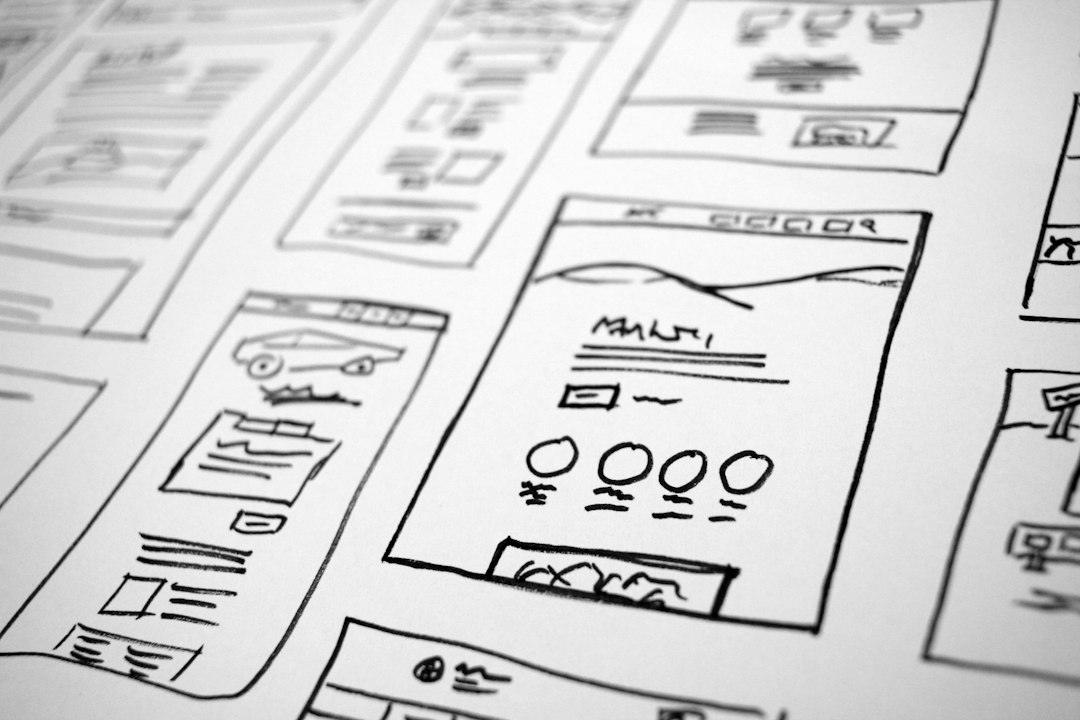
Pencil.dev is the sharper choice for teams that want AI to create interface drafts quickly, while Figma remains safer for teams that need deep collaboration, design systems, and production polish. Pencil.dev feels closer to an AI product builder. Figma feels like a mature design workspace that is adding AI on top.
TLDR: Pencil.dev suits founders, product managers, and lean teams that need a usable interface concept in minutes, not days. Figma suits established design teams that care about reusable components, version control, comments, developer handoff, and pixel-level control. For example, a 3-person SaaS team could use Pencil.dev to generate 5 onboarding screen options in under 30 minutes, then move the strongest version into Figma for refinement. In a larger team, Figma may cut review time by 20% to 30% because comments, prototypes, and design files stay in one shared workspace.
What Pencil.dev does better
Pencil.dev is built around speed. It takes a prompt, product idea, or rough requirement and turns it into interface concepts. That makes it useful when a team has a feature idea but no designer available for the first pass.
Its best use case is early interface exploration. A founder can describe a dashboard for a finance app, a checkout flow, or an admin panel. Pencil.dev can then produce screen ideas that help the team react to something visual. That is much better than debating a blank page.
The tool also helps non-designers speak in screens. Product managers can turn user stories into UI drafts. Engineers can sketch internal tools without opening a complex design file. Stakeholders can compare directions before a designer spends hours making polished mockups.
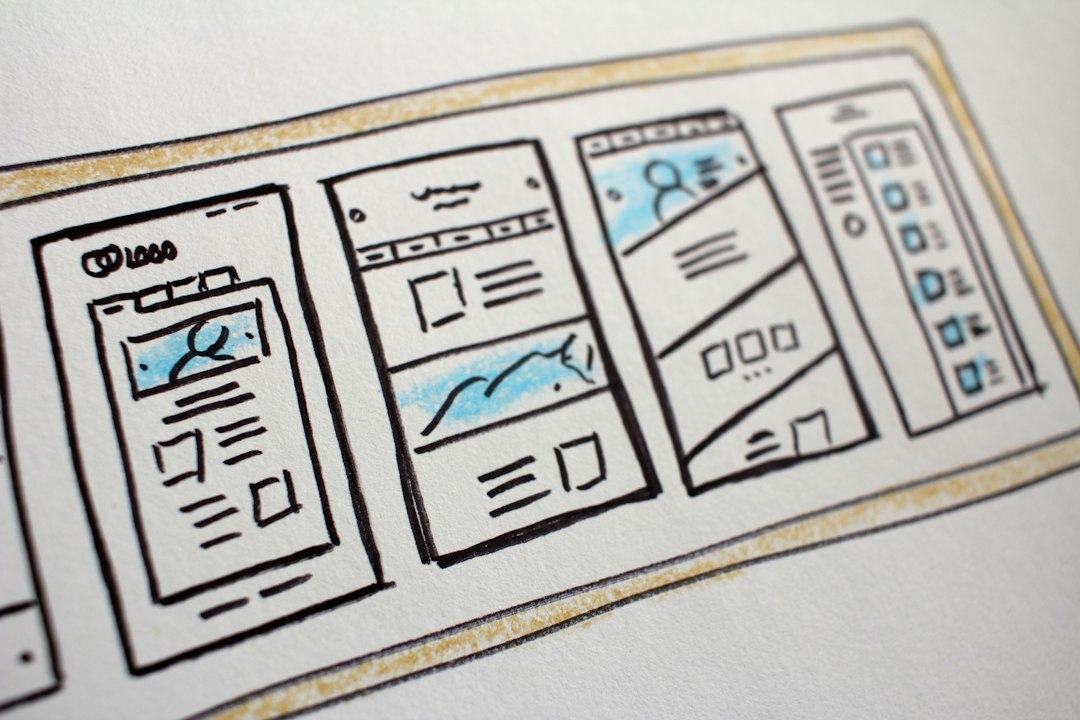
The catch is that AI-generated screens often need cleanup. Spacing may be odd. Visual hierarchy may feel generic. A call-to-action might sit in the wrong place. Still, Pencil.dev removes the painful first step: getting from an idea to a visible layout.
Where Figma still wins
Figma is not just a drawing tool. It is a shared design system, review space, prototype tool, and handoff hub. That matters when many people work on the same product.
Designers can build components, variants, variables, and responsive layouts. Teams can keep buttons, forms, tables, colors, and type styles consistent across dozens of screens. This is where Figma pulls far ahead. Pencil.dev may generate fast ideas, but Figma keeps a product looking coherent over time.
Figma is also stronger for collaboration. Comments are anchored to exact parts of the design. Designers can run workshops in FigJam. Developers can inspect measurements and assets. Product leaders can review prototypes without asking for a separate export.
Honestly, it feels like Figma still asks for too many clicks when a simple prompt should handle the first draft. Yet once the design becomes serious, those extra controls start to matter. A checkout flow with edge cases, error states, loading states, and mobile variants needs more than a nice AI-generated screen.
AI assistance: generation versus refinement
The main difference is simple. Pencil.dev starts with AI generation. Figma starts with design control and adds AI assistance.
Pencil.dev is useful when the team wants many options quickly. It can help answer questions such as: What should this page contain? How might the first version look? Which layout feels closest to the product strategy?
Figma is better when the team already knows the product and needs to refine it. AI in Figma can help with naming layers, generating content, finding assets, summarizing feedback, or speeding up repetitive work. The designer remains in control of the system.
That difference changes the workflow. Pencil.dev favors prompt, generate, compare, revise. Figma favors design, collaborate, prototype, hand off. Neither pattern is wrong. They support different moments in the product cycle.
Speed and workflow
For fast ideation, Pencil.dev has the edge. A team can create multiple directions without setting up frames, components, or page structures. This helps during rough planning, investor demos, hackathons, and internal product pitches.
Figma takes more setup. A team may need a file structure, design system, shared components, and naming rules. That setup can feel slow at first. Expect to waste time on tiny alignment fixes if the first draft was never planned well. But the payoff grows as the product grows.
For example, a small team designing a new analytics feature may use Pencil.dev to generate three dashboard concepts. After choosing one, the designer rebuilds it in Figma using the company design system. That hybrid method can save 4 to 8 hours during early exploration while still producing a clean final file.

Quality of output
Pencil.dev can produce impressive first drafts. The results often look modern and presentable. Cards, tables, nav bars, and landing sections can appear quickly. For internal discussions, that may be enough.
But AI output can feel samey. Many screens follow familiar SaaS patterns. That is not always bad. Familiar patterns reduce user confusion. Still, brand-specific products need sharper choices. Typography, spacing, empty states, and interaction details separate a rough concept from a product ready for users.
Figma gives designers the control needed to reach that level. It supports detailed visual decisions and reusable patterns. It also makes it easier to document how a product should behave. If a company has accessibility standards, responsive rules, or a strict brand system, Figma is usually the stronger workspace.
Developer handoff
Figma is the safer option for developer handoff. Engineers can inspect styles, export assets, read notes, and understand spacing. Many teams already connect Figma to project management tools and front-end workflows.
Pencil.dev may help produce code-oriented ideas or interface drafts, depending on the workflow. That can speed up prototyping. But for production work, developers still need clarity. They need states, specs, user flows, and real constraints. A pretty screen is not enough.
For startups, Pencil.dev can shorten the path from idea to prototype. For mature product teams, Figma offers the audit trail and structure needed to ship reliably.
Pricing and team fit
The better value depends on the size of the team and the stage of the product. Pencil.dev makes sense when the team needs to reduce design bottlenecks. It is attractive for founders, agencies making quick concepts, and product teams testing ideas before hiring design support.
Figma makes sense when design is central to product quality. Larger teams need shared libraries, permissions, branching, review habits, and stable files. Those features may feel boring, but they prevent chaos.
- Choose Pencil.dev for quick concepts, prompt-based UI drafts, early product thinking, and rapid experimentation.
- Choose Figma for collaboration, design systems, prototypes, handoff, accessibility checks, and polished product work.
- Use both when speed matters early, but consistency matters before release.
Best practical workflow
The smartest choice is often not Pencil.dev versus Figma. It is Pencil.dev before Figma.
A team can start in Pencil.dev to generate raw interface ideas. It can compare layouts, reject weak flows, and align stakeholders. Then a designer can recreate or refine the winning direction in Figma. That keeps the speed of AI without giving up design quality.
This flow works well for landing pages, SaaS dashboards, onboarding flows, settings screens, and internal tools. It works less well for complex product ecosystems with many dependencies. In those cases, Figma should remain the source of truth.

Final verdict
Pencil.dev is best for getting unstuck. It turns product ideas into visual options fast. Figma is best for making those ideas real, consistent, and ready for a team to build.
For AI-assisted interface design, Pencil.dev wins the first hour. Figma wins the full project. Teams that combine them can move faster without letting quality fall apart.
FAQ
-
Is Pencil.dev a replacement for Figma?
Not for most product teams. Pencil.dev is stronger for quick AI-generated interface drafts. Figma is stronger for collaboration, design systems, prototyping, and developer handoff. -
Which tool is better for non-designers?
Pencil.dev is usually easier for non-designers because it starts from prompts and product ideas. Figma has more power, but it takes more practice. -
Which tool is better for professional designers?
Figma remains the better daily tool for professional designers. It gives more control over layout, components, interaction states, and product consistency. -
Can Pencil.dev and Figma be used together?
Yes. A strong workflow starts with Pencil.dev for fast concepts, then moves into Figma for refinement, collaboration, and handoff. -
Which is better for startups?
Pencil.dev is useful for early startup ideation. Figma becomes more valuable once the startup needs a repeatable design system and reliable shipping process.