
A strong business sign does more than identify a location. It introduces a brand, communicates professionalism, and helps customers decide whether a company feels credible before they ever step inside. A logo signage maker is a practical tool for creating sign designs that combine a company logo, typography, colors, and layout into a polished visual system suitable for storefronts, offices, vehicles, events, and digital displays.
TLDR: A logo signage maker helps businesses design consistent, professional signs using their logo, brand colors, fonts, and layout templates. The best tools support real-world production needs such as sizing, file formats, readability, and material requirements. For reliable results, businesses should focus on clarity, brand consistency, scalability, and print-ready output rather than decorative effects alone.
Why Logo Signage Matters for Business Branding
Signage is often one of the first physical expressions of a brand. A website, social media profile, or advertisement may introduce a business online, but signage confirms its presence in the real world. Whether it is a storefront sign, lobby sign, window decal, trade show banner, or vehicle wrap, the design must be clear, recognizable, and aligned with the company’s identity.
A well-designed sign supports trust. Customers often associate clear, professionally produced signage with a business that is organized, established, and attentive to detail. Poor signage, by contrast, can create uncertainty. If a sign is difficult to read, visually cluttered, or inconsistent with the company’s other materials, it may reduce confidence in the business before any conversation begins.
This is why logo signage makers have become valuable for small businesses, startups, local service providers, retailers, restaurants, and professional offices. These tools make it easier to translate a logo into signage that works at different sizes and in different environments.
What Is a Logo Signage Maker?
A logo signage maker is a design platform or software tool that helps users create signage layouts using a business logo and related brand elements. Some tools are simple template editors, while others offer more advanced controls for dimensions, typography, spacing, color management, and export formats.
In practical terms, a signage maker allows a business to place its logo into a sign design and adjust the layout for specific purposes. For example, a business may need one version for a building sign, another for a roadside banner, and another for a reception area. Each format has different visibility requirements, but all should feel connected to the same brand.
Most logo signage makers include features such as:
- Templates for storefront signs, banners, posters, window graphics, yard signs, and more.
- Logo upload options for placing an existing logo into a layout.
- Text editing for business names, slogans, phone numbers, websites, and addresses.
- Color selection to match brand palettes or create high-contrast designs.
- Font controls for readable and brand-appropriate typography.
- Export options for print, digital display, or collaboration with a sign manufacturer.
The Role of Branding in Sign Design
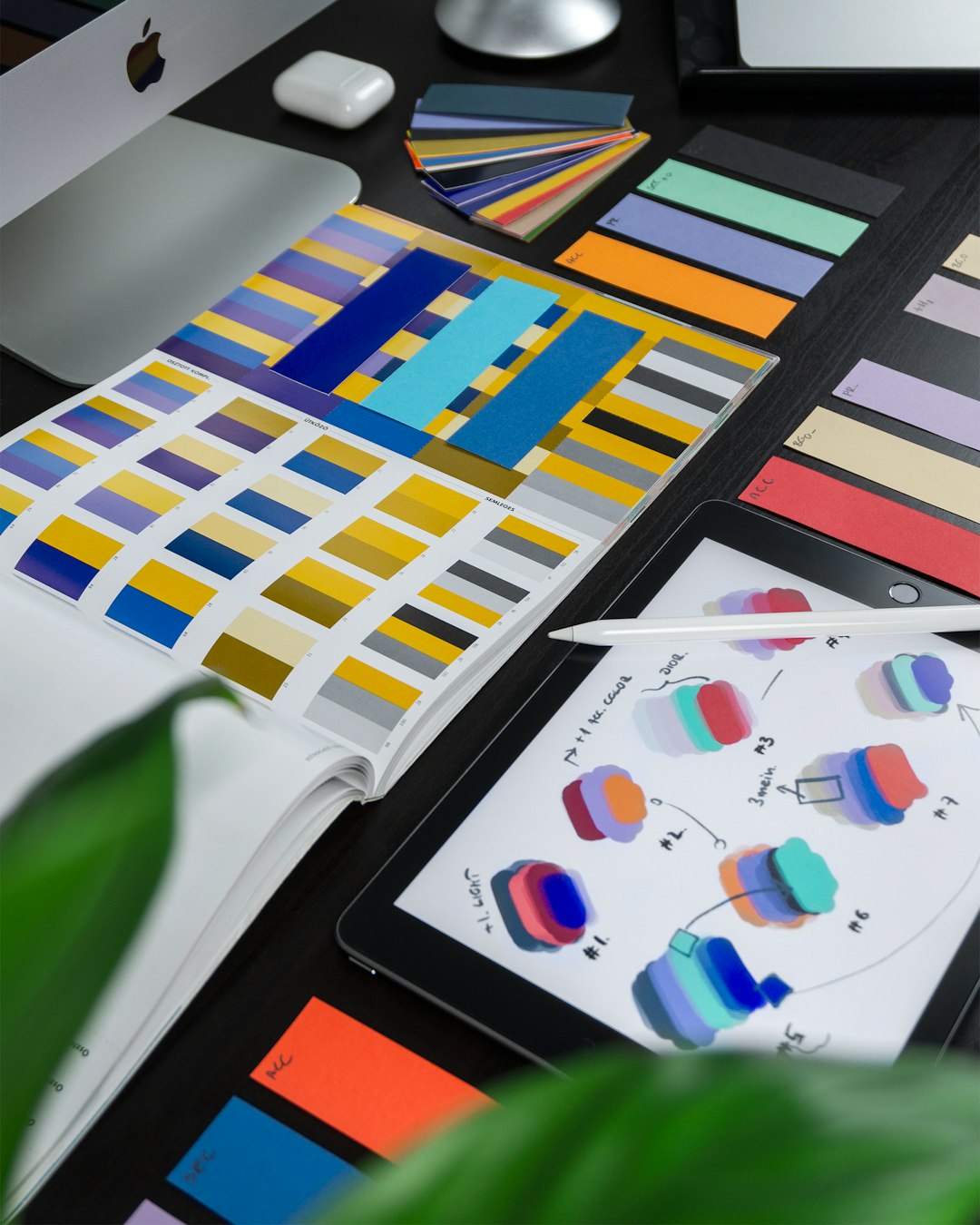
Signage should not be treated as a separate design project from the rest of a company’s branding. Instead, it should be part of a larger brand system. The logo, colors, typefaces, tone, and layout style should be consistent across business cards, websites, packaging, uniforms, advertisements, and physical signage.
Consistency creates recognition. When customers see the same visual language repeatedly, they begin to remember and trust it. A logo signage maker can help maintain this consistency by allowing users to reuse approved colors, fonts, and logo files across multiple sign types.
However, consistency does not mean every sign must look identical. A large exterior sign may need fewer words and stronger contrast, while an indoor directional sign may use smaller text and a simpler layout. The key is to adapt the brand intelligently without losing its identity.
Important Features to Look For
Not all signage tools are equally useful. A tool that works well for simple social media graphics may not be suitable for real-world sign production. Business signage has specific technical and practical requirements, especially when the final design must be printed, mounted, illuminated, cut from vinyl, or produced in large format.
When evaluating a logo signage maker, consider the following features:
- Custom sizing: The tool should allow precise dimensions so the design fits the intended sign area.
- High-resolution export: Low-resolution files may appear blurry or unprofessional when enlarged.
- Vector support: Vector files are important for large signs because they can scale without losing quality.
- Color control: The ability to manage brand colors accurately is essential for professional output.
- Bleed and margin settings: These help prevent important content from being cut off during production.
- Readable font selection: Decorative fonts may look attractive but fail at a distance.
- Layer editing: Layers make it easier to manage logos, text, backgrounds, and graphic elements.
- Print-ready file formats: Common formats may include PDF, SVG, EPS, PNG, or TIFF, depending on the producer’s requirements.
A reliable signage maker should help users move from concept to production without creating unnecessary technical problems. If a sign company must completely rebuild the design before printing, the tool has not fully served its purpose.
Readability Comes Before Decoration
One of the most common mistakes in business sign design is prioritizing decoration over readability. A sign is not only a visual asset; it is a communication tool. It must be understood quickly, often from a distance and sometimes while the viewer is moving.
For exterior signs, readability depends on several factors, including letter height, contrast, spacing, and viewing distance. A complicated font, thin lettering, or low-contrast color combination can make even a beautiful design ineffective. For example, pale gray text on a white background may look subtle on a screen, but it can disappear in daylight.
Effective signage usually follows these principles:
- Use short messages. A sign should communicate the most important information quickly.
- Choose strong contrast. Dark text on a light background, or light text on a dark background, improves visibility.
- Avoid overcrowding. White space helps the eye focus on the logo and key message.
- Test at actual size. A design that looks good on a laptop may not work when viewed from across a street.
- Limit font variety. One or two typefaces are usually enough for a professional sign.
Types of Business Signs a Logo Signage Maker Can Support
A good logo signage maker should be flexible enough to support multiple sign formats. Businesses rarely need only one sign. A retail store may need exterior signage, window graphics, shelf signs, sidewalk boards, and promotional banners. A professional office may need reception signage, door lettering, wayfinding signs, and conference room graphics.
Common sign types include:
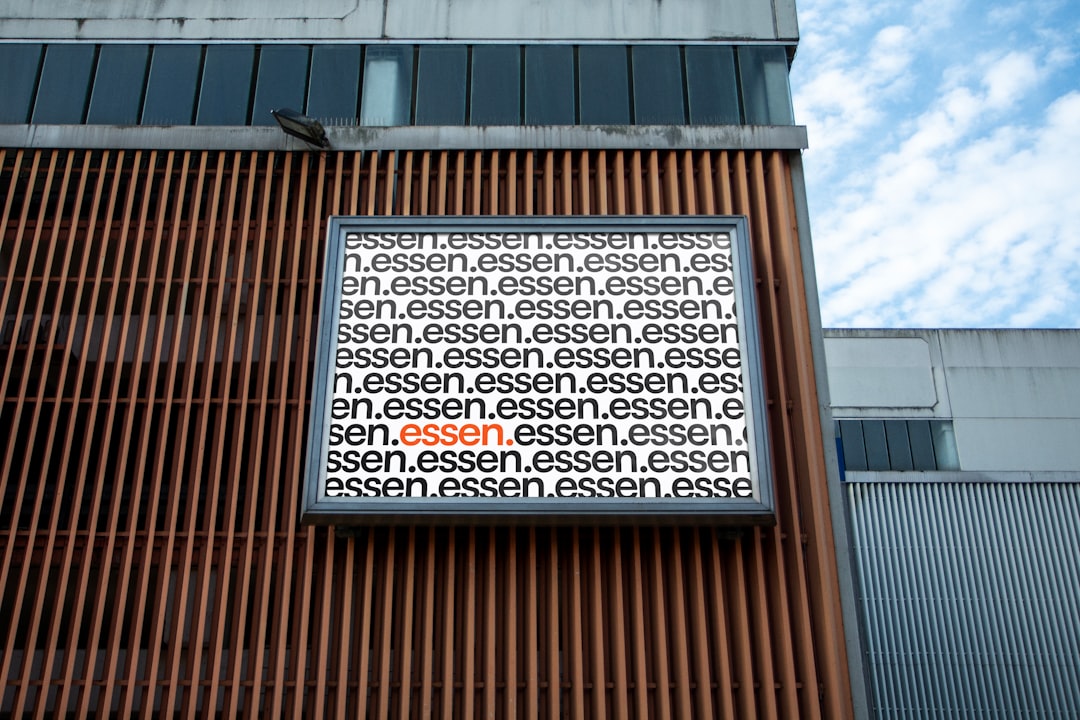
- Storefront signs: These identify the business location and should be simple, bold, and highly visible.
- Lobby and reception signs: These reinforce brand credibility in interior spaces.
- Window decals: These can display logos, hours, services, or promotional messages.
- Vehicle graphics: These turn company vehicles into mobile brand assets.
- Trade show banners: These help businesses stand out in crowded event environments.
- Yard signs: These are useful for real estate, construction, landscaping, political campaigns, and local services.
- Directional signs: These guide visitors and improve customer experience.
- Digital signs: These use screens to display branded messages, promotions, or announcements.
Each sign type requires different design choices. A vehicle graphic must be readable in motion. A trade show banner must attract attention from across a room. A lobby sign may focus more on material quality and brand atmosphere. A signage maker is most useful when it allows the design to be adapted for these different contexts while keeping the brand recognizable.
Working With Logos Correctly
The logo is usually the centerpiece of a business sign, but it must be used correctly. A low-quality logo file can damage the final result. If a logo was copied from a website or saved as a small image, it may not reproduce cleanly on a large sign.
Businesses should use the best available logo file, preferably a vector format such as SVG, EPS, or PDF. Vector artwork remains sharp at any size, making it suitable for large-format printing, vinyl cutting, engraving, and illuminated signage. If only raster files are available, they should be high resolution and large enough for the intended sign size.
It is also important to maintain the logo’s proper proportions. Stretching, compressing, rotating, or adding unapproved effects can weaken brand recognition. A professional signage maker should allow users to lock proportions and position the logo accurately within the layout.
Materials and Production Considerations
Designing a sign on screen is only the first step. The final appearance depends heavily on the material and production method. A design that works well on a vinyl banner may need adjustments for metal lettering, acrylic panels, illuminated signs, or wood engraving.
Before finalizing a design, businesses should consider where and how the sign will be used. Outdoor signs must withstand weather, sunlight, and temperature changes. Indoor signs may focus more on finish, texture, and lighting. Temporary signs can use lighter materials, while permanent signs require greater durability.
Common signage materials include:
- Vinyl: Useful for banners, decals, window graphics, and vehicle lettering.
- Acrylic: Often used for polished interior signs and illuminated displays.
- Aluminum composite panels: Durable and commonly used for outdoor business signs.
- Foam board: Suitable for temporary indoor signs and presentations.
- Wood: Often used for rustic, premium, or handcrafted brand environments.
- LED and illuminated systems: Helpful for visibility at night or in high-traffic areas.
How to Build a Professional Sign Design Workflow
A structured workflow helps prevent costly mistakes. Business signage often involves design, approval, production, and installation. Rushing this process can lead to incorrect sizing, misspelled information, poor visibility, or files that are unusable by the sign manufacturer.
A practical workflow may include the following steps:
- Define the purpose. Decide whether the sign is meant to identify, direct, advertise, inform, or decorate.
- Confirm the location. Measure the installation area and consider viewing distance, lighting, and surrounding visuals.
- Gather brand assets. Use approved logos, colors, fonts, and messaging.
- Create several layouts. Compare options for balance, readability, and brand fit.
- Review at scale. Print a small proof or preview the design at the correct proportions.
- Check technical requirements. Confirm file format, bleed, margins, color mode, and resolution.
- Request professional proofing. If working with a sign producer, ask for a production proof before approval.
- Approve installation details. Confirm mounting, placement, permits, and maintenance expectations.
Common Mistakes to Avoid
Even good tools cannot replace careful judgment. A logo signage maker provides the design environment, but the user must still make sound decisions. Some mistakes are especially common among businesses creating signage for the first time.
- Using too much text: A sign is not a brochure. Keep the message focused.
- Ignoring viewing distance: Text that looks readable on screen may be too small in real conditions.
- Choosing weak contrast: Attractive colors are not always visible colors.
- Uploading a poor-quality logo: Low-resolution files can make the business appear unprofessional.
- Forgetting local regulations: Some areas have rules about sign size, lighting, placement, and permits.
- Overusing effects: Shadows, gradients, outlines, and textures should support readability, not distract from it.
Choosing the Right Tool for Your Business
The right logo signage maker depends on the business’s needs, budget, and technical comfort level. A small local business may need a simple template-based tool for banners and window signs. A growing company with multiple locations may need stronger brand control, reusable templates, and professional export options.
Before choosing a tool, ask practical questions. Can it create the exact sign size needed? Can it export files that a printer or sign shop will accept? Does it preserve logo quality? Does it allow brand colors to be entered accurately? Can multiple team members review the design before production?
For serious business use, the best tool is not necessarily the one with the most decorative templates. It is the one that helps produce clear, consistent, scalable, and production-ready signage.
Final Thoughts
A logo signage maker can be a valuable asset for businesses that want professional signs without losing control of their brand identity. It helps transform a logo into practical signage for real environments, from storefronts and office interiors to vehicles and event displays.
The most effective signs are not simply attractive. They are readable, consistent, properly sized, and suitable for their materials and locations. By choosing the right tool, using high-quality brand assets, and following sound design principles, businesses can create signage that strengthens recognition, improves credibility, and supports long-term branding.