

The best HomeKit accessories to buy first are a HomePod mini or Apple TV 4K, smart bulbs, smart plugs, a smart lock, sensors, cameras, and a thermostat. These cover the daily stuff: lights, doors, climate, security, and energy use. Apple’s Home app also supports Matter, which helps some smart home gear work across Apple, Google, Amazon, and Samsung systems [source: Apple].
TLDR: A solid HomeKit setup should start with a HomePod mini or Apple TV 4K as the home hub, then add smart lighting, locks, plugs, sensors, and cameras. For example, a “Good Night” scene can lock the front door, turn off 8 lights, lower the thermostat, and check motion sensors in under 10 seconds. For many homes, that small routine saves time every night and removes the annoying “Did someone lock the door?” check. Matter support also makes it safer to buy newer gear that may work beyond Apple devices later.
1. HomePod mini or Apple TV 4K: the brain of the home
A connected HomeKit home needs a hub. The best choices are the HomePod mini, HomePod, or Apple TV 4K. Without one, remote control and automations feel limited.
The Apple TV 4K is the stronger pick for households that already stream TV daily. It handles HomeKit control well and supports Thread on compatible models. The HomePod mini is cheaper, small, and great for Siri voice control. It also works well in bedrooms, kitchens, and hallways.
The catch is that setup can still feel oddly picky. Sometimes a device appears in the Home app right away. Other times, it takes a restart, a closer phone, or another scan of the code. That part still feels more annoying than it should.
2. Smart lighting: the easiest upgrade
Philips Hue, NanoLeaf, and Lutron Caséta are among the safest HomeKit lighting choices. Smart bulbs are simple. Smart switches are better for homes where people still use wall switches out of habit.
- Philips Hue: best for color bulbs, scenes, and outdoor lighting.
- Lutron Caséta: best for reliable wall switches and dimmers.
- NanoLeaf: best for Thread bulbs, panels, and playful lighting.
Lighting is where HomeKit feels most useful. A household can set lights to turn on at sunset, fade down at 10 p.m., or flash when a door sensor detects movement. It sounds small. Then it becomes hard to live without.

3. Smart plugs: cheap and useful
Eve Energy and Meross Smart Plug Mini are strong picks for lamps, fans, heaters, coffee makers, and holiday lights. A smart plug turns a basic device into a HomeKit device.
Eve Energy is a favorite because many models support Thread and energy monitoring. That means users can see how much power a device uses. It is great for spotting waste from old lamps, media gear, or office equipment left running all night.
Meross is usually cheaper. It works well for basic on and off control. For simple jobs, that may be enough.
4. Smart locks: better front door control
Schlage Encode Plus is one of the best HomeKit smart locks. It supports Apple Home Key, so residents can unlock the door with an iPhone or Apple Watch. That is quick and clean.
Level Lock+ is another good choice for homes that need a more hidden design. It looks more like a normal lock. That matters on nicer front doors where bulky tech looks out of place.
A smart lock is useful for kids, cleaners, guests, and deliveries. Temporary access codes are far better than spare keys under a plant pot. Honestly, that old key trick has always been a little too hopeful.
5. Sensors: small devices, big value
Door, window, motion, leak, and temperature sensors make HomeKit smarter. Aqara, Eve, and Onvis offer many useful options.
- Door sensors can trigger hallway lights.
- Motion sensors can turn on bathroom lights at night.
- Leak sensors can warn about water under sinks or near washers.
- Temperature sensors can help control fans and thermostats.
Leak sensors are boring until the day they are not. A low-cost sensor near a water heater can alert a homeowner before damage spreads across a floor.
Image not found in postmeta6. Cameras and doorbells: security with privacy in mind
For HomeKit cameras, Logitech Circle View, Eve Outdoor Cam, and Aqara Camera Hub are worth checking. They can work with HomeKit Secure Video, which stores video through iCloud when supported.
A smart doorbell is useful for packages and visitors. It can send alerts to Apple devices and show video on an Apple TV. That is handy when someone rings the bell during a movie or while dinner is on the stove.
The main annoyance is Wi Fi coverage. Cameras need a strong signal. A weak signal creates delayed alerts, frozen clips, and missed motion events. Expect to waste time fixing router placement if the front porch has poor coverage.
7. Smart thermostats: comfort and savings
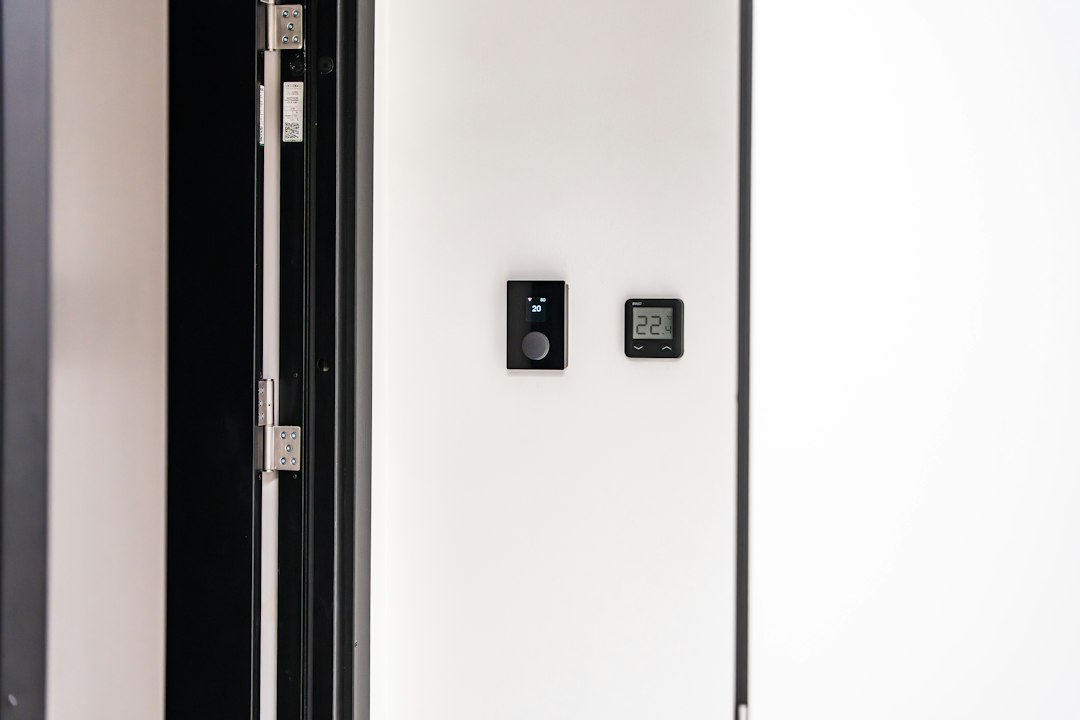
ecobee Smart Thermostat Premium is one of the best HomeKit thermostat choices. It supports room sensors, schedules, and voice features. Smart thermostats can also cut waste by adjusting heating and cooling when nobody is home. ENERGY STAR says certified smart thermostats save users about 8% on heating and cooling bills [source: ENERGY STAR].
This matters most in homes with uneven rooms. A sensor in the bedroom can help keep sleeping areas comfortable at night, while the main thermostat sits in a hallway.
Best HomeKit starter bundle
For most homes, the best starter kit looks like this:
- HomePod mini for the hub.
- Two smart bulbs or one smart dimmer.
- Two smart plugs for lamps or appliances.
- One smart lock for the front door.
- Two sensors for the main entry and a leak risk area.
This setup keeps cost under control. It also gives a clear taste of what HomeKit does well. The home becomes easier to control, safer, and less wasteful without filling every room with gadgets.
FAQ
What is the first HomeKit accessory a household should buy?
A HomePod mini or Apple TV 4K should come first. It acts as the home hub and helps automations run when residents are away.
Do HomeKit accessories work without the internet?
Some local controls may still work on the same network. Remote access, cloud video, and some voice features usually need internet service.
Is Matter the same as HomeKit?
No. Matter is a smart home standard. HomeKit is Apple’s smart home platform. Many Matter devices can be added to Apple Home.
Are smart locks safe?
Good smart locks from trusted brands are generally safe when installed well and protected with strong account security. Home Key models also make daily access easier.
Which HomeKit accessory saves the most energy?
A smart thermostat usually has the biggest effect. Smart plugs with energy monitoring can also help find devices that waste power.