
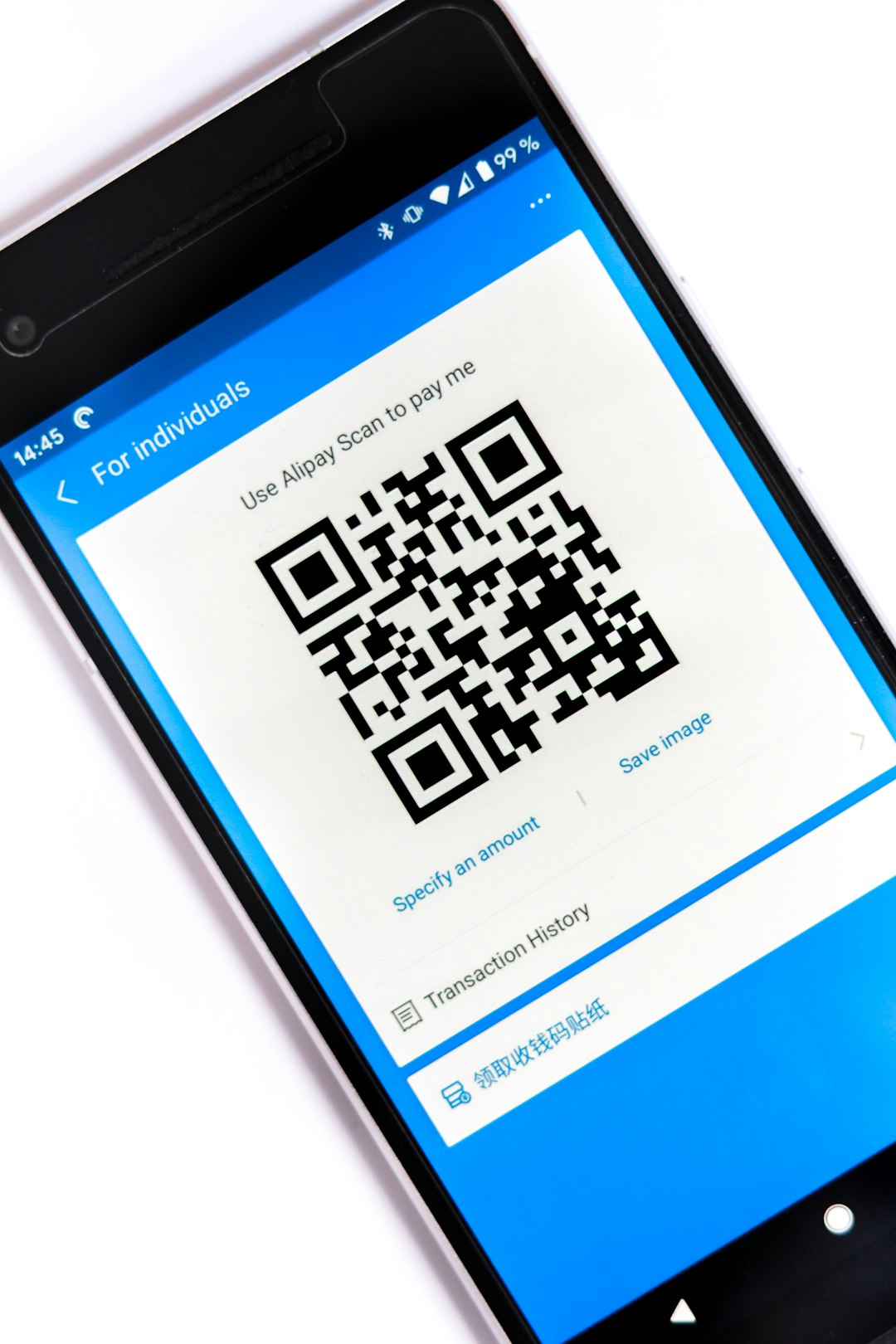
Digital contact cards turn your name, job, phone, links, and brand into one shareable profile that opens with a tap or scan. No paper stack. No typo in an email address. No awkward “wait, let me find a pen” moment. They are simple, smart, and very handy for teams that meet people often.
TLDR: A digital contact card is an online business card with your contact details, photo, company info, links, and share buttons. People open it by scanning a QR code, tapping an NFC card, clicking a link, or saving a vCard file. For example, a 10 person sales team can share 500 cards at an event and track that 38% of visitors clicked “Save Contact” within 24 hours. That is much easier to measure than a paper card sitting in someone’s jacket pocket.
What Is a Digital Contact Card?
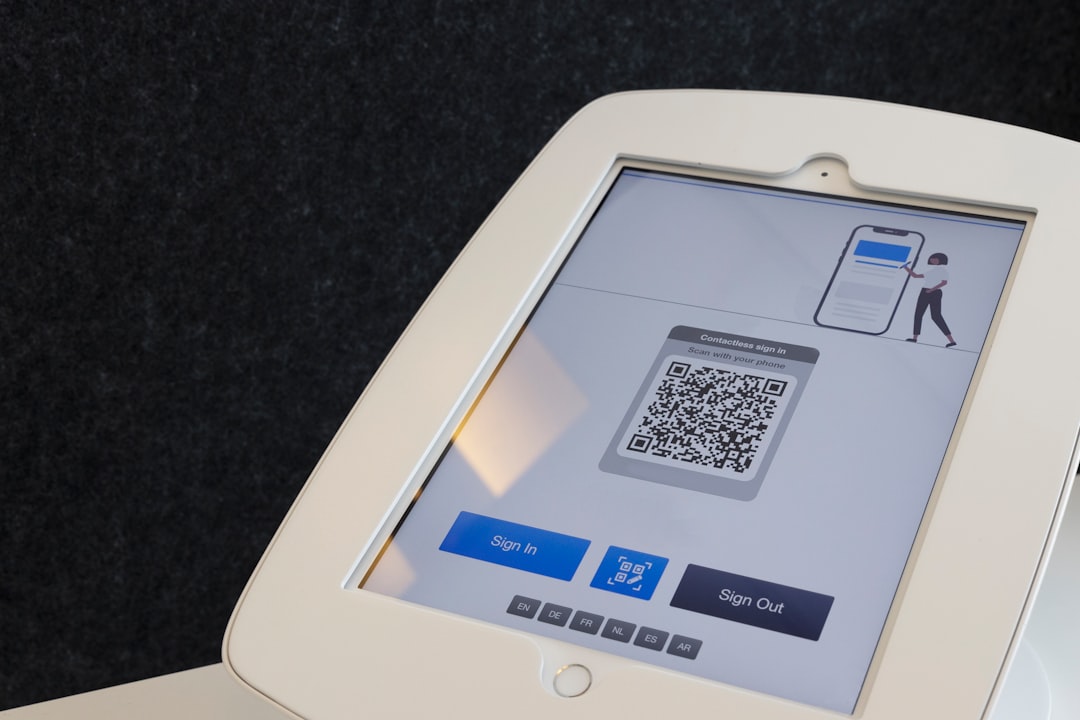
A digital contact card is a small web page that acts like your business card. It usually has your name, role, photo, phone number, email, and links. It can also include a button that lets someone save your details right into their phone.
Think of it as your “hello” button. You meet someone. You show a QR code. They scan it. Boom. Your details are on their screen.
Some cards are shared through QR codes. Some use NFC cards, which work with a tap. Others are shared by text, email, chat, or a link in a social profile.
What Do Digital Contact Cards Contain?
Most digital contact cards are built from simple blocks. Nothing scary. Nothing too techy.
- Name: Your full name or display name.
- Job title: What you do, such as “Account Manager” or “Event Planner.”
- Company name: Your business or team name.
- Photo: A headshot helps people remember you.
- Logo: Great for brand recognition.
- Phone number: Often with a tap to call button.
- Email address: Usually with a tap to email button.
- Website: A link to your main site or landing page.
- Social links: LinkedIn, Instagram, YouTube, TikTok, or other profiles.
- Location: Office address, service area, or map link.
- Bio: A short intro. Keep it friendly.
- Call to action: Book a call, request a quote, view a menu, or shop now.
Some cards go further. They include videos, product links, calendars, payment links, brochures, PDFs, menus, reviews, and forms. A real estate agent might add property listings. A restaurant owner might add a menu. A coach might add a booking calendar.
The Magic Button: Save Contact
The best digital cards have a Save Contact button. This creates a vCard file. That file can add the person’s details to a phone or email app.
This matters because people forget names. They also lose paper cards. It drives me crazy that we still expect tiny rectangles of paper to survive pockets, bags, coffee spills, and laundry day.
With a digital card, your details are saved in seconds. No typing. No guessing if that letter is an “l” or a “1.” Peace at last.
How People Share Them
Digital contact cards can be shared in several ways. Each one fits a different moment.
- QR code: Best for events, posters, counters, and name badges.
- NFC card: Best for face to face meetings. Tap the card on a phone.
- Link: Best for email signatures, chats, websites, and social bios.
- Email signature: Great for sales, support, and company teams.
- Apple Wallet or Google Wallet: Handy for quick access.
- Text message: Great after a call or meeting.
How Businesses Use Digital Contact Cards
Businesses use digital cards for speed, branding, and tracking. They also save money on reprints. If someone changes roles, numbers, or locations, the card can be updated online.
That sounds small. It is not small.
Picture a company with 80 staff members. If 12 people change job titles in a year, paper cards need reprinting. With digital cards, an admin edits the profile. Done. No boxes. No waste. No sad pile of old cards in a drawer.
Sales Teams
Sales teams use digital cards to collect and share contacts at trade shows, demos, and client visits. A rep can include a product sheet, meeting link, and short video. After a scan, the buyer can save the rep’s details or book a call.
Some platforms also show basic stats. A manager might see that 240 people scanned cards at an expo, 96 saved a contact, and 31 clicked the pricing page. That gives the team clues about interest.
Real Estate Agents
Agents meet people all the time. Open houses. Local events. Coffee shops. A digital card can show listings, reviews, office details, and a booking link.
A paper card says, “Call me.” A digital card says, “Here I am, here are my listings, here are my reviews, and yes, you can book a showing.” Much better.
Restaurants and Local Shops
Restaurants can use digital cards for owners, managers, and catering teams. The card can link to menus, delivery pages, private event forms, and maps.
A bakery owner can share a card with wedding planners. The planner sees photos, prices, flavors, and contact buttons. Sweet. Literally.
Recruiters and HR Teams
Recruiters use them at job fairs and campus events. A card can link to open roles, company culture videos, and application forms.
This saves candidates from hunting for the right page later. Honestly, that hunt can take 90 seconds too long, and by then the person may be distracted by lunch, a bus, or 14 other booths.
Why Businesses Like Them
Digital contact cards solve simple problems. Simple problems cost time. Time costs money.
- They are easy to update. Change a phone number once, not on 1,000 printed cards.
- They reduce waste. Fewer printed cards end up in bins.
- They are trackable. Teams can see scans, clicks, and saves.
- They support brand control. Everyone can use the right logo, colors, and wording.
- They make follow up easier. Add booking links, forms, and files.
- They work anywhere. Events, emails, packaging, counters, and social posts.

What Makes a Good Digital Contact Card?
A good card is clear. It is not stuffed like a junk drawer. The person should know who you are and what to do next within five seconds.
- Use a clean photo. Faces build trust.
- Keep the bio short. One or two lines is enough.
- Put key buttons near the top. Call, email, save, book.
- Use brand colors. Make it feel official.
- Check links often. Broken links are tiny business gremlins.
- Test it on phones. Most people will open it there.
Common Mistakes to Avoid
Do not add every link you own. Nobody needs twelve buttons before coffee. Pick the links that help the next step.
Do not use a blurry logo. It makes the card feel unfinished. Also, do not hide the contact buttons at the bottom. People came for contact details. Give them contact details.
Watch privacy settings too. If your team cards show personal phone numbers, make sure staff members agree. Business contact details are often better.
Are Paper Cards Dead?
No. Paper cards still have charm. They feel nice. They can be classy. They work when a phone battery is gone.
But digital cards do more. They can be updated. They can be measured. They can carry links, videos, maps, and forms. Paper cannot do that unless it has a QR code printed on it.
The smartest move is often a mix. Use a great paper card with a QR code. Or use an NFC card that opens your digital profile. You get the handshake and the tech.
Final Takeaway
A digital contact card is a small tool with a big job. It helps people remember you, reach you, and act faster. For businesses, it keeps teams consistent and makes networking easier to track.
If your contact details change often, or your team meets lots of people, digital cards are worth using. They are simple. They are tidy. They save paper. Best of all, they stop people from typing your email wrong for the third time.