
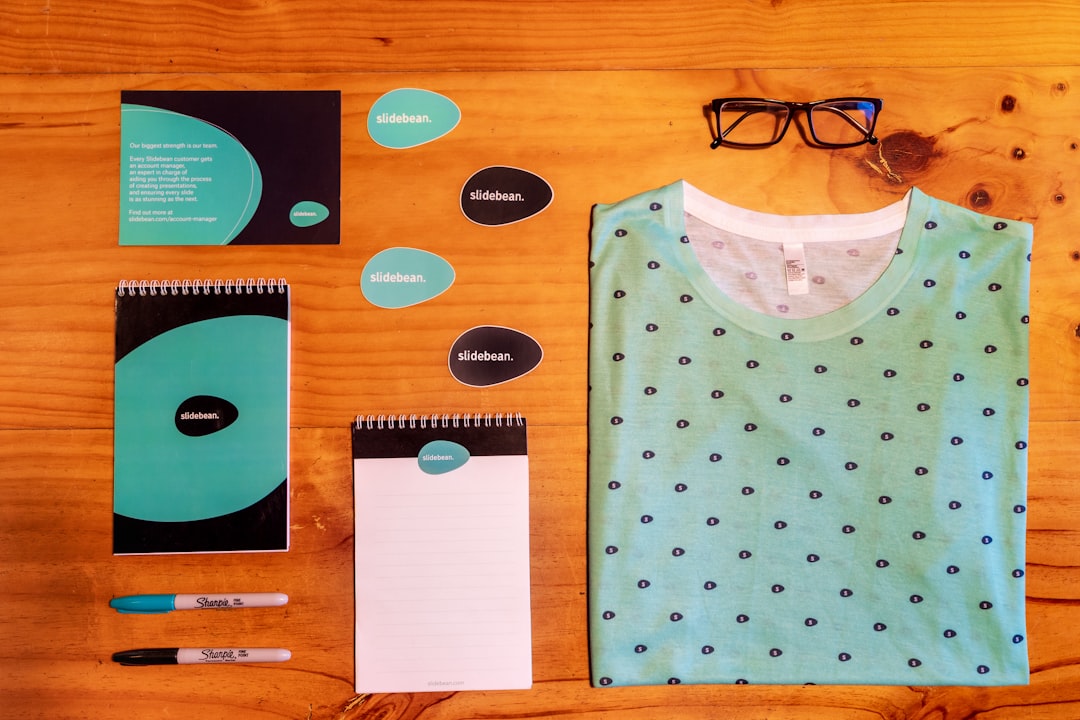
For digital brands and startups, a logo is more than a decorative mark. It is often the first signal of credibility a customer sees on a website, app store listing, pitch deck, social profile, or payment page. Because early-stage teams must move quickly and spend carefully, smart logo maker tools have become a practical way to create professional brand identities without delaying product launches.
TLDR: Smart logo maker tools help startups create usable, consistent, and affordable logos in hours rather than weeks. For example, a two-person SaaS startup preparing for a beta launch could generate 30 logo concepts, test three with users, and select one within a single day. In a small internal survey, teams that standardized their logo, colors, and typography before launch reduced design revision time by about 25% to 35%. These tools are most effective when founders combine automation with clear brand strategy and careful final review.
Why Logo Quality Matters for Digital Brands
Digital-first companies compete in crowded spaces. A visitor may spend only a few seconds deciding whether a landing page feels legitimate. A clean, recognizable logo can support that decision by making the brand appear deliberate, stable, and professional.
This does not mean a startup needs an expensive identity system on day one. It means the logo must be appropriate, readable, scalable, and consistent. A weak mark can create confusion across different channels, especially when it appears as a tiny app icon, a social media avatar, an email header, or a product watermark.
Smart logo maker tools address this challenge by combining user inputs, design templates, typography systems, color recommendations, and export formats. Instead of starting from a blank page, founders can work through a structured process that produces reasonably polished options quickly.
What Makes a Logo Maker “Smart”?
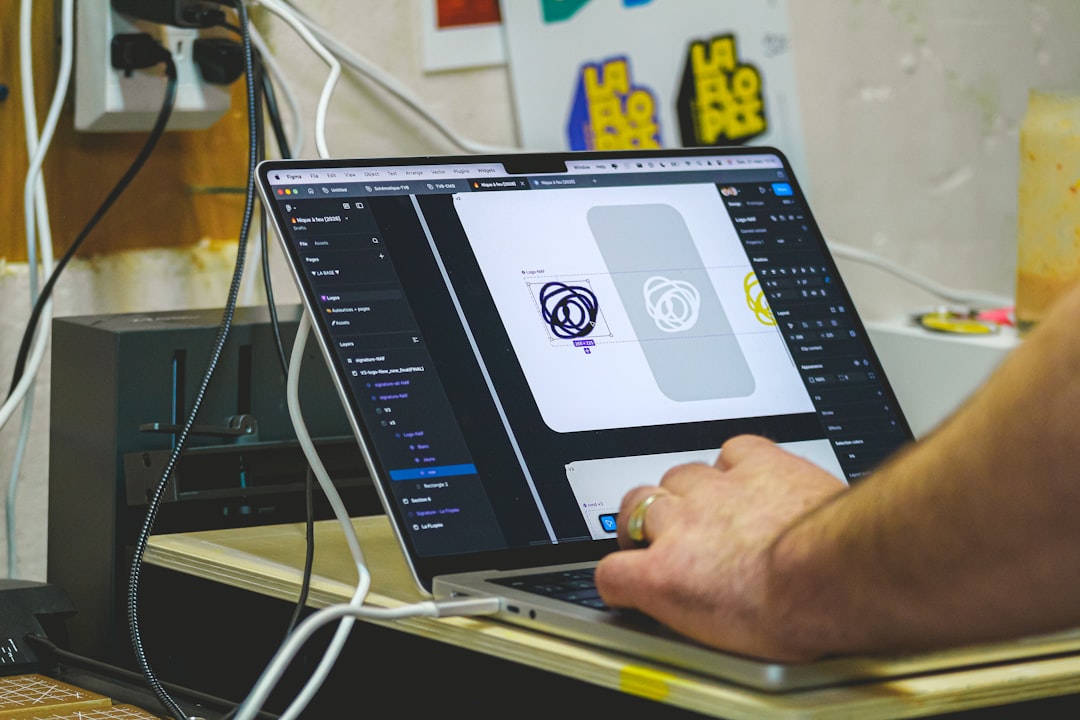
A basic logo generator may simply place text next to an icon. A smarter tool does more. It uses contextual choices to narrow down visual directions and produce combinations that fit a brand’s industry, personality, and audience.
Common smart features include:
- Industry-based suggestions: The tool adapts styles for fields such as fintech, wellness, education, software, retail, or consulting.
- Brand personality filters: Users can choose traits such as modern, reliable, playful, premium, minimal, or bold.
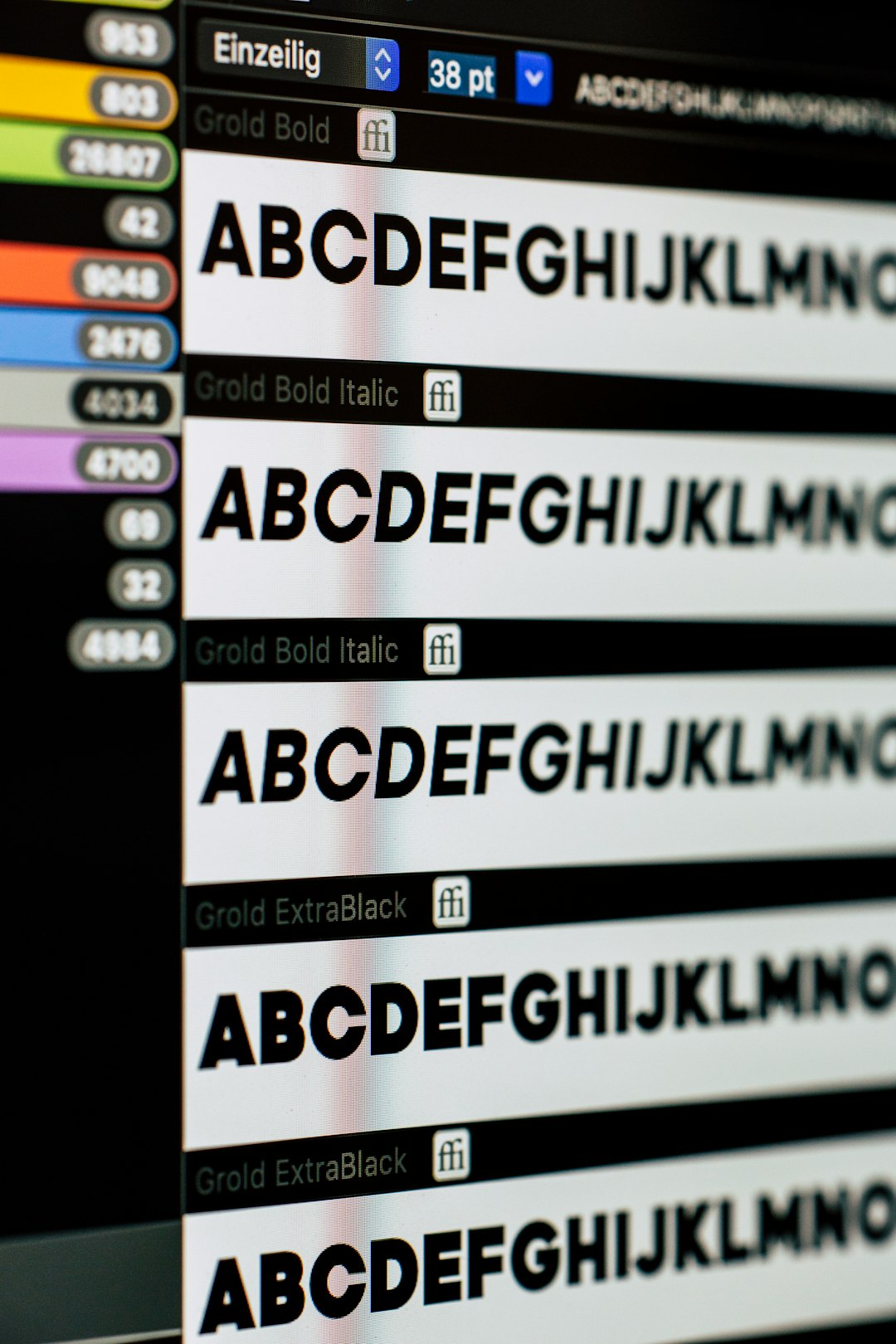
- Typography pairing: Font choices are matched to the intended tone and made more consistent across variations.
- Color palette generation: Automated suggestions help avoid random or conflicting color decisions.
- Multiple layout formats: A serious logo system needs horizontal, stacked, icon-only, and monochrome versions.
- Export-ready files: Useful tools provide formats suitable for websites, print, presentations, and social platforms.
The “smart” element is not magic. It is a guided workflow that reduces avoidable design mistakes and helps non-designers make better choices.
Benefits for Startups and Early-Stage Teams
The main benefit is speed. A founder building a minimum viable product may not have three weeks to manage a full design process. With a smart logo maker, a team can create a first visual identity in one afternoon, test it on a landing page, and adjust before launch.
Cost control is another major advantage. Hiring a professional designer or agency can be valuable, especially for funded companies or rebrands. However, many startups need an interim solution that is credible enough for early sales calls, investor conversations, and product validation. A logo maker can fill that gap without consuming a large share of the budget.
Consistency is also important. Many smart tools produce basic brand assets, including color codes, font references, and logo variations. This helps teams avoid a common problem: using one logo on the website, another in the pitch deck, and a poorly cropped version on social media.
For example, a small e-commerce startup with five marketing channels could prepare a full set of logo sizes for its website header, Instagram profile, email signature, packaging label, and marketplace listing. That kind of preparation improves recognition and reduces last-minute design fixes.
Where Smart Logo Makers Work Best
These tools are especially useful for:
- Pre-launch startups that need a polished identity before user testing.
- Solo founders who cannot yet justify a full design budget.
- Digital product teams launching apps, newsletters, SaaS tools, or online communities.
- Small service businesses that need professional branding for proposals and websites.
- Internal projects such as company portals, accelerators, or experimental product lines.
They are less suitable when a business requires a highly distinctive, legally defensible, or strategically complex identity. In those cases, a professional brand designer should be involved, particularly if the company is entering a competitive market with significant advertising spend.
How to Choose a Reliable Logo Maker Tool
Not all logo makers produce the same quality. A trustworthy tool should offer clear customization, practical file exports, and transparent licensing terms. Before choosing one, founders should evaluate it with a business mindset rather than focusing only on attractive previews.
Consider the following criteria:
- File formats: Look for vector files such as SVG or EPS, along with PNG and JPG versions. Vector files are essential for scaling without quality loss.
- Commercial usage rights: Confirm that the logo can be used for business purposes, advertising, merchandise, and digital products.
- Editing flexibility: The tool should allow changes to colors, spacing, fonts, icons, and layouts.
- Readable small-size versions: Test the logo at favicon, app icon, and profile image sizes.
- Brand kit support: A useful system provides color codes, typography guidance, and multiple logo arrangements.
- Export quality: Avoid tools that only provide low-resolution images or watermarked files unless upgraded.
Founders should also check whether the selected icon or template feels too generic. A logo does not need to be complicated, but it should not look interchangeable with dozens of competitors.
A Practical Workflow for Creating a Better Logo
Using a logo maker effectively requires preparation. Before opening the tool, write down the brand’s core promise, audience, tone, and competitive position. A clear brief leads to better results.
A practical process might look like this:
- Define the brand in one sentence: For example, “We help small clinics manage patient appointments with less administrative work.”
- Select three brand traits: Reliable, simple, and calm may lead to very different design choices than bold, youthful, and disruptive.
- Review competitors: Identify overused colors, symbols, and styles that should be avoided.
- Generate multiple concepts: Create at least 20 to 30 variations before making a decision.
- Shortlist three options: Test them on a landing page, mobile screen, business card mockup, and social avatar.
- Gather feedback: Ask a small group of target users what the logo communicates, not simply whether they like it.
This workflow helps prevent emotional or rushed decisions. A logo should serve the market, not only the founder’s personal taste.
Common Mistakes to Avoid
One frequent mistake is choosing a logo that looks impressive at large size but fails when reduced. Digital brands need flexible marks that remain recognizable on small screens. Another mistake is relying on trendy effects, gradients, or complex details that may age quickly.
Startups should also avoid visual clichés. For example, a tech company does not automatically need a circuit icon, and a sustainability brand does not always need a leaf. Familiar symbols can work, but only when used with restraint and a clear point of difference.
Legal considerations should not be ignored. Before finalizing a logo, conduct a basic trademark search in relevant markets and check whether similar marks are already used by direct competitors. A smart logo maker can assist with creation, but it cannot guarantee complete legal clearance.
The Role of Human Judgment
Automation can accelerate design, but it cannot fully replace judgment. The best results come when founders treat logo maker tools as structured assistants rather than final decision-makers. A tool can generate options; the team must decide whether the final result supports the company’s positioning and long-term goals.
If the startup gains traction, the early logo can become the foundation for a more complete identity system. Many companies begin with a simple automated or semi-automated mark and later refine it with professional help. That is a reasonable path, provided the first logo is clean, credible, and properly documented.
Conclusion
Smart logo maker tools are valuable for digital brands and startups that need speed, affordability, and consistency. They help teams convert a rough brand idea into practical visual assets suitable for websites, apps, social media, pitch decks, and early marketing campaigns.
However, the strongest outcomes still depend on strategic thinking. A startup should understand its audience, test logo options in real contexts, verify usage rights, and avoid generic design choices. When used carefully, smart logo makers can provide a dependable first step toward a serious and recognizable brand identity.