
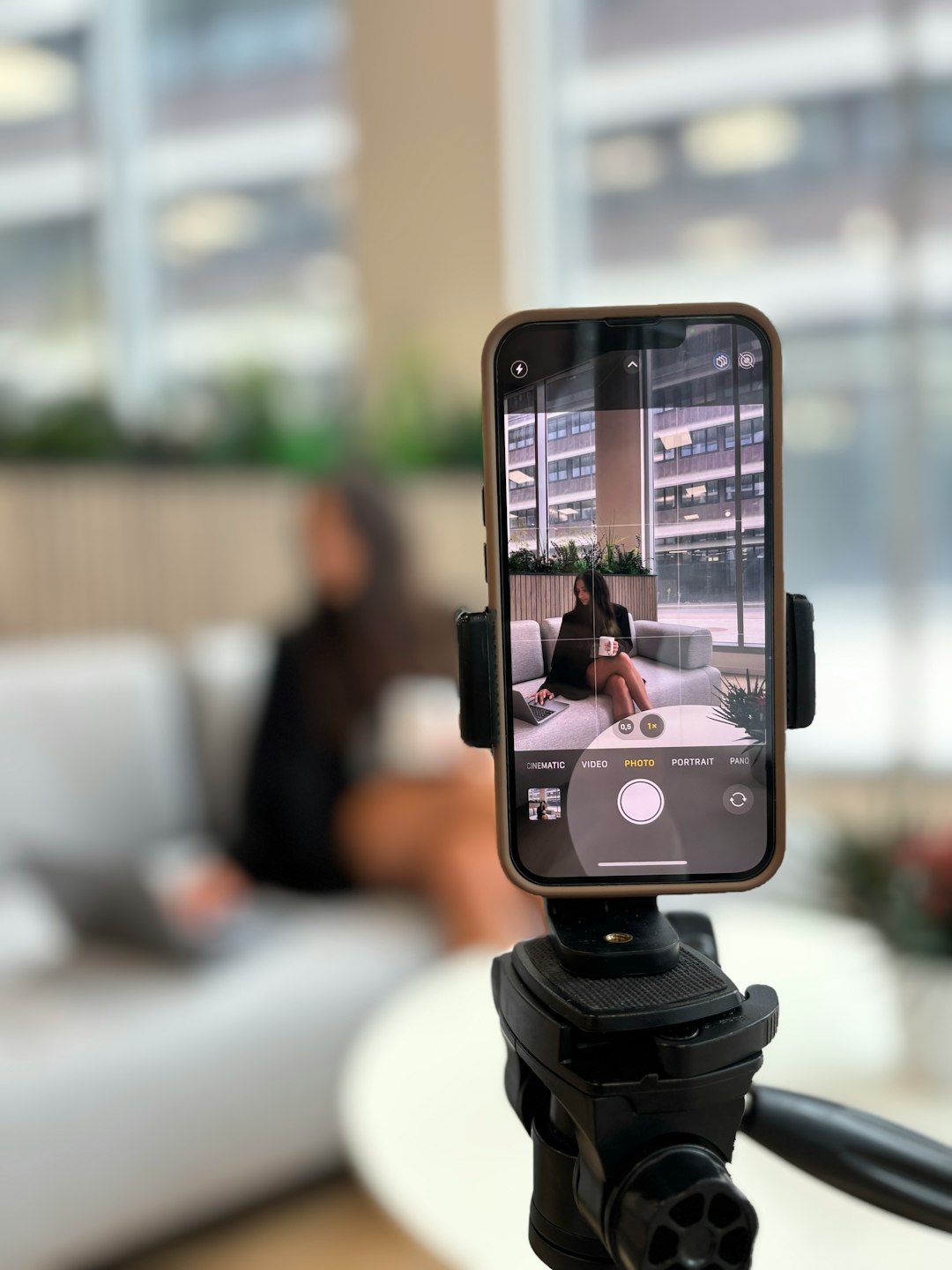
For most creators replacing PromptSmart Pro, Speakflow is the best first pick if voice tracking matters, while BIGVU is stronger if you want recording, captions, and quick social videos in one place. PromptSmart Pro is popular because its VoiceTrack feature can follow spoken words instead of forcing you to tap or use a remote [source: PromptSmart]. The problem is that many users want the same smooth script control, but with better video tools, team features, or a lower learning curve.
TLDR: If you record talking-head videos, sales clips, courses, or YouTube scripts, start with Speakflow for voice-controlled scrolling or BIGVU for all-in-one video production. For example, a coach recording two 5-minute videos per week could save 20 to 30 minutes by cutting restarts, trimming less, and keeping eye contact. If you just need clean script scrolling on Android, Elegant Teleprompter is the simple budget pick.
1. Speakflow: best for voice tracking and remote recording
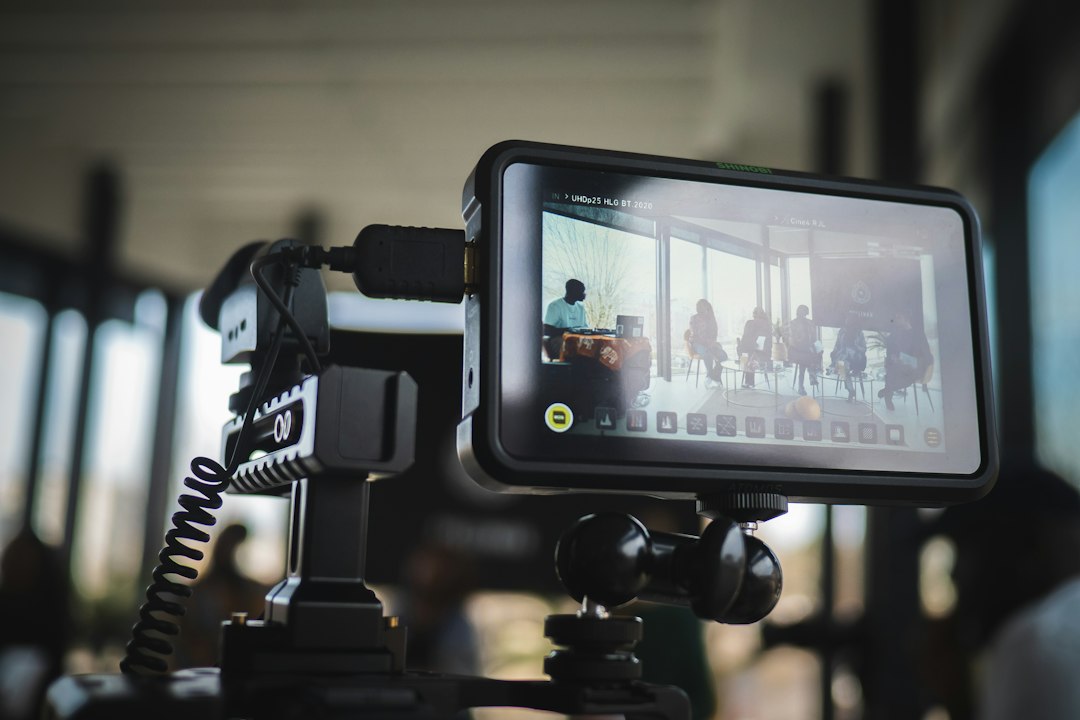
Speakflow is one of the closest PromptSmart Pro alternatives for users who care about voice-based scrolling. It listens as you speak and moves through the script with you. That makes it useful for webinars, explainers, online courses, and team videos.
The web-based setup is handy. You can write, edit, and present from a browser. Teams can also share scripts, which is great when a producer, founder, and editor all touch the same copy. The catch is that browser tools depend heavily on your mic quality and internet setup. A weak laptop mic can make tracking feel less sharp than it should.
- Best for: podcasters, course creators, remote teams
- Key strength: voice-controlled scrolling
- Watch out for: mic sensitivity and browser permissions
2. BIGVU: best all-in-one video teleprompter
BIGVU is built for people who want to read, record, edit, caption, and publish without moving across five apps. It works well for short business videos, LinkedIn posts, TikToks, YouTube Shorts, and sales updates.
The teleprompter is easy to use. You paste your script, set the speed, record, then add captions and branding. That last part matters. Many teleprompter apps help you read. BIGVU helps you finish the video.
Honestly, it feels like BIGVU is made for people who hate editing. That is not a bad thing. If your goal is to post three clean videos every week, speed beats perfection.
- Best for: marketers, coaches, entrepreneurs
- Key strength: recording plus captions and branding
- Watch out for: some advanced tools sit behind paid plans
3. Teleprompter.com: best polished cross-device option
Teleprompter.com is a strong pick if you want a neat app that works across phones, tablets, and desktop setups. It feels more professional than many cheap teleprompter apps. The interface is clean, and script management is simple.
It is a good fit for creators who record in different places. You might draft on a laptop, rehearse on a tablet, then record on a phone. That flexibility helps if your setup changes from desk videos to studio shoots.
It drove me a little crazy that getting font size, margins, and scroll speed right can still take a few test runs. Expect to waste a minute or two before each new script. But once set, it feels steady.
- Best for: creators using several devices
- Key strength: clean script control and flexible setup
- Watch out for: setup tweaks before recording

4. Video Teleprompter: best for iPhone and iPad recording
Video Teleprompter is a practical choice for Apple users who want to record while reading straight from the screen. It is useful for speeches, auditions, training videos, online classes, and creator content.
The main appeal is simple: your script appears near the camera, so your eyes stay closer to the lens. That makes videos feel more direct. You can also adjust text size, speed, and position, which helps when reading longer scripts.
This app is less about fancy automation and more about reliable recording. If you do not need voice tracking, it may be enough. Pair it with a small tripod and a Bluetooth remote, and you have a clean mobile setup.
- Best for: iPhone creators, teachers, presenters
- Key strength: smooth on-device recording
- Watch out for: fewer production tools than BIGVU
5. Elegant Teleprompter: best simple Android alternative
Elegant Teleprompter is the no-nonsense Android option. It is not trying to be a full video studio. It scrolls scripts, supports mirror mode, and can sit over other apps. That overlay feature is useful if you want to record with your preferred camera app.
This is the app to try when you need a cheap, light tool and do not want another subscription. It works well for rehearsal, speeches, and basic video reads. It also supports external controls, which can be smoother than tapping the screen mid-sentence.
The downside is clear. It does not feel as polished as premium tools. The design is plain. Some settings take trial and error. Still, for basic script scrolling, it gets the job done.
- Best for: Android users on a budget
- Key strength: simple scrolling and overlay mode
- Watch out for: limited editing and recording features
Quick buying guide
Choose based on your biggest pain, not the longest feature list.
- Need voice tracking? Pick Speakflow.
- Need captions and social video tools? Pick BIGVU.
- Need a polished app across devices? Try Teleprompter.com.
- Record mostly on iPhone or iPad? Use Video Teleprompter.
- Want a basic Android scroller? Start with Elegant Teleprompter.
The best PromptSmart Pro alternative depends on how you record. Voice tracking is great for long scripts because it reduces panic when you pause or miss a line. But if your final video needs captions, branding, and fast posting, an app like BIGVU may save more time. For most people, the smartest move is to test two apps with the same 300-word script and see which one gives fewer restarts.