
Stremio is the best Kodi alternative for most Fire TV owners because it is light, clean, and fast, while Plex is better for polished personal media and Jellyfin suits users who want free self-hosting. Fire TV is a huge platform, with Amazon saying it has sold more than 200 million Fire TV devices worldwide [source: Amazon], so the app choice matters. A bad media app can make a simple movie night feel like tech support.
TLDR: The best Kodi replacement on Fire TV is Stremio for simple streaming, followed by Plex for home libraries and Jellyfin for private, no-cost media hosting. For example, a household with a 2 TB movie drive and three TVs will likely prefer Plex or Jellyfin, while someone who just wants quick streaming with fewer menus will prefer Stremio. Most users can try two apps in under 30 minutes and keep the one that feels less annoying.
1. Stremio
Best for: users who want a simple Kodi-style hub without the clutter.
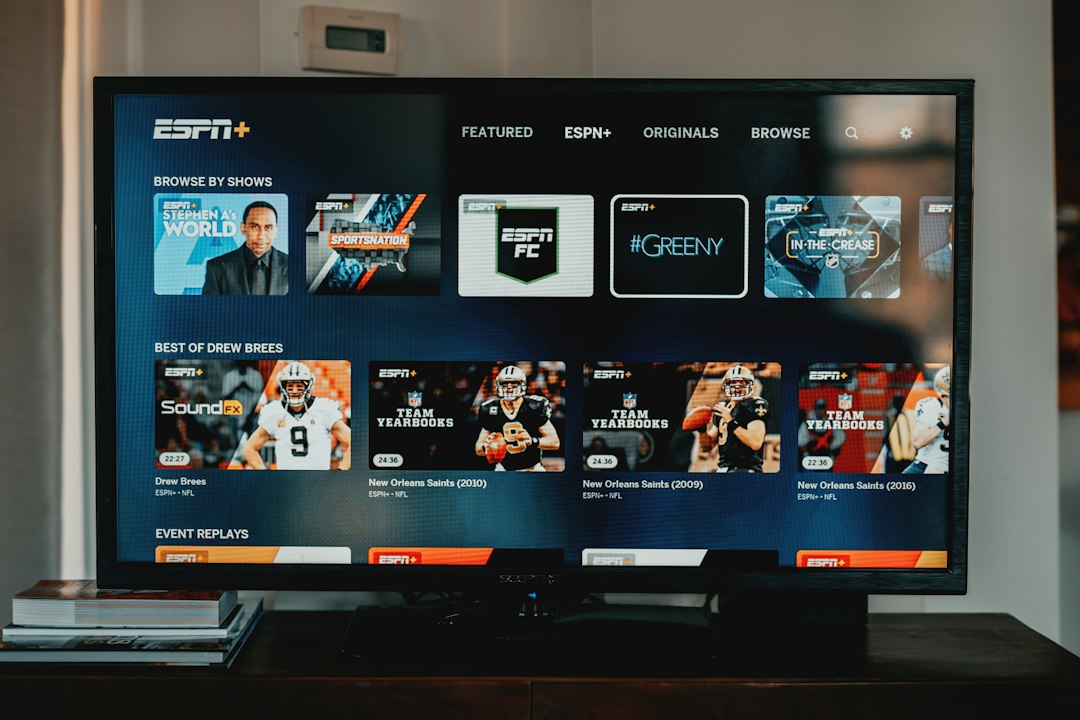
Stremio feels lighter than Kodi on Fire TV. The menus are clean. Search is fast. It groups shows, movies, and add-ons in a way that feels less messy. Honestly, it feels like Kodi after someone removed five layers of settings nobody wanted to touch.
The app uses add-ons, so users can shape it around their viewing habits. It also syncs across devices, which helps when a person starts a show on a phone and finishes it on a Fire TV Stick. The catch is that add-on quality can vary, and users should stick with legal sources.
2. Plex
Best for: people with their own movie, TV, music, or photo library.
Plex is the most polished Kodi alternative for personal media. It turns a computer, NAS, or server into a clean streaming library. Posters, summaries, seasons, subtitles, and watch status all look sharp. Setup takes some effort, but playback on Fire TV is smooth once the server is ready.
Plex also offers free ad-supported channels and on-demand titles. Its server software supports many platforms, including Windows, macOS, Linux, and NAS devices [source: Plex]. The annoying part is that some features sit behind Plex Pass, so the free version can feel a bit boxed in.
3. Jellyfin
Best for: privacy-focused users who want a free Plex-style setup.
Jellyfin is open-source, free, and has no premium tier. That alone wins over many Fire TV users. It works like Plex in broad terms: a server stores the media, and the Fire TV app plays it. The difference is control. Jellyfin asks for less account fuss and has no forced paid upgrade path.
It supports movies, shows, music, live TV, and DVR with the right hardware. Jellyfin’s own site describes it as a volunteer-built media system with no fees [source: Jellyfin]. The trade-off is polish. Some menus feel rough, and setup can take longer than expected.
4. Emby
Best for: users who want a middle ground between Plex and Jellyfin.
Emby is another strong media server app for Fire TV. It has a cleaner setup than Jellyfin in some cases and more control than Plex in others. It handles local media well, with posters, collections, parental controls, and remote streaming.
The downside is price. Emby keeps useful features behind Emby Premiere, including some live TV and mobile sync options. Still, for a family that wants a neat shared library across several rooms, Emby can be a calm and stable pick.
5. VLC for Fire
Best for: simple local playback with almost no setup.
VLC is not a full Kodi replacement, but it deserves a spot. It plays a huge range of file types. MP4, MKV, AVI, FLAC, and many subtitle formats work without drama. It is ideal for users who keep videos on a USB drive, local network share, or media server.
VLC has no fancy library wall like Plex. It will not create a rich Netflix-style screen. But it opens files quickly and rarely complains. Sometimes that is enough. It drives users crazy when a streaming app needs an account just to play a local file; VLC skips that nonsense.
6. Tubi
Best for: free legal movies and TV with no media server.
Tubi is not like Kodi, but it solves the same problem for many people: finding something to watch. It is free, legal, and ad-supported. The Fire TV app is easy to use, and the catalog includes movies, older TV shows, documentaries, and niche picks.
There is no personal library feature. There are ads. New blockbuster releases are rare. Still, Tubi is useful for casual nights when no one wants to manage add-ons, servers, folders, or broken streams.

Quick Comparison
- Best overall Kodi alternative: Stremio
- Best for personal media: Plex
- Best free server option: Jellyfin
- Best paid server option: Emby
- Best basic file player: VLC for Fire
- Best free legal streaming app: Tubi
Which One Should Fire TV Users Pick?
For most people, Stremio is the easiest first choice. It feels close to Kodi but with less clutter. Plex is better when a user has a large personal library and wants a slick interface. Jellyfin is the best fit when privacy, control, and free software matter most.
Users who only play downloaded or home videos may not need a media center at all. VLC may be enough. For free casual watching, Tubi is the low-effort answer.
FAQ
- What is the best Kodi alternative for Fire TV?
Stremio is the best pick for most users because it is simple, fast, and easy to set up. - Is Plex better than Kodi?
Plex is better for personal media libraries. Kodi is more flexible, but it can feel messy on Fire TV. - Is Jellyfin really free?
Yes. Jellyfin is free and open-source. It has no paid upgrade tier. - Can these apps replace live TV?
Some can. Plex, Jellyfin, and Emby support live TV with the right tuner and setup. - Are Kodi alternatives legal?
Yes, the apps are legal. The content source matters. Users should stick with licensed media and trusted services. - Which app is easiest for beginners?
Tubi is easiest for free streaming. Stremio is easiest for a Kodi-style experience.