
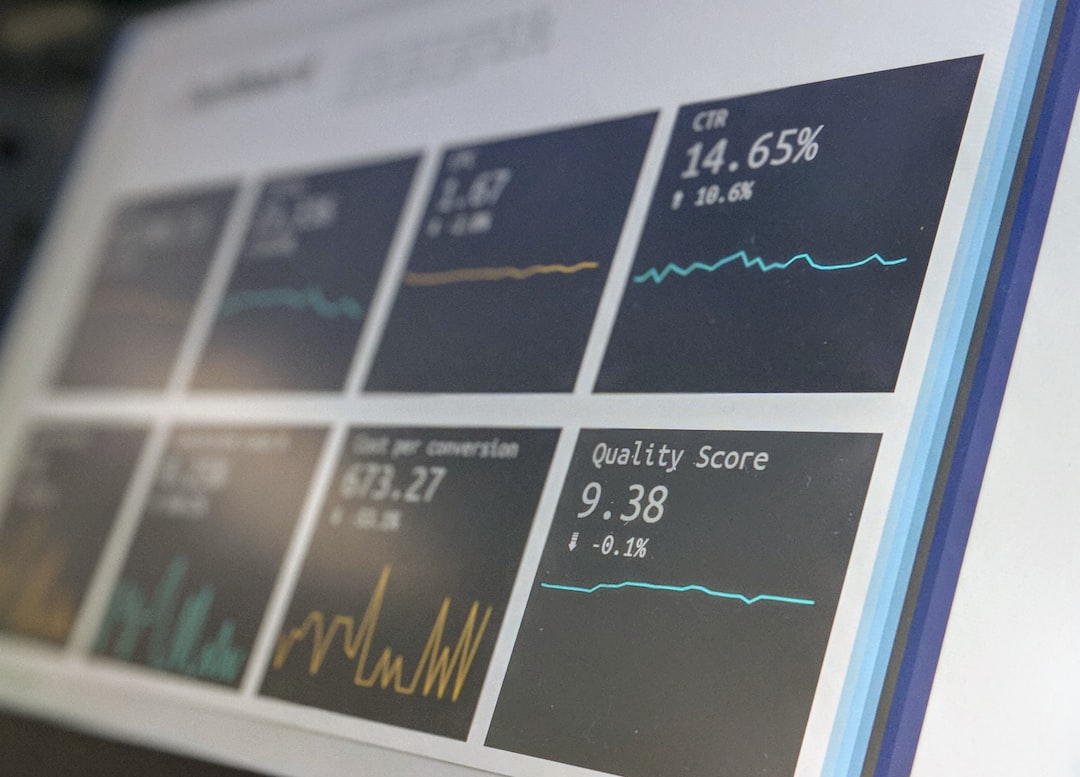
Self service SaaS helps businesses scale by moving repeatable sales, onboarding, support, and billing tasks from employees to product-led systems. Instead of hiring more people every time demand rises, companies let users sign up, test, pay, upgrade, learn, and solve basic problems on their own. That does not mean removing human support. It means saving people for the moments where they actually add value.
TLDR: Self service SaaS lets customers start using a product without waiting for a demo, sales call, or support ticket. For example, a SaaS startup with 5,000 monthly trial users could reduce onboarding tickets by 35% by adding better in-app guidance, help docs, and automated billing flows. If 8% of those trial users convert to paid plans at $49 per month, that is about $19,600 in new monthly recurring revenue without expanding the sales team. The model works best when the product is simple to try, easy to understand, and backed by smart automation.
Why self service SaaS scales so well
Traditional SaaS growth often depends on people-heavy processes. A lead fills out a form. A sales rep responds. A demo gets scheduled. A support specialist explains account setup. Finance sends an invoice. It works, but it gets expensive fast.
Self service SaaS changes the cost curve. It turns parts of the customer journey into repeatable product experiences. A customer can create an account at midnight, invite teammates, connect tools, choose a plan, and pay by card. No calendar chaos. No waiting three days for “next steps.”
The result is simple: more customers can move through the funnel without matching headcount growth one for one. That is the heart of efficient scaling.
What self service really means
Self service is not just a “Sign up free” button. Plenty of companies add that button and still make users feel stuck after 90 seconds. The real model covers the full user path.
- Self signup: Users can create an account without talking to sales.
- Guided onboarding: The product teaches users what to do first.
- Clear pricing: Plans, limits, and upgrade triggers are easy to understand.
- In-app support: Help appears where users need it, not buried in a knowledge base.
- Automated billing: Customers can upgrade, downgrade, update cards, and download invoices.
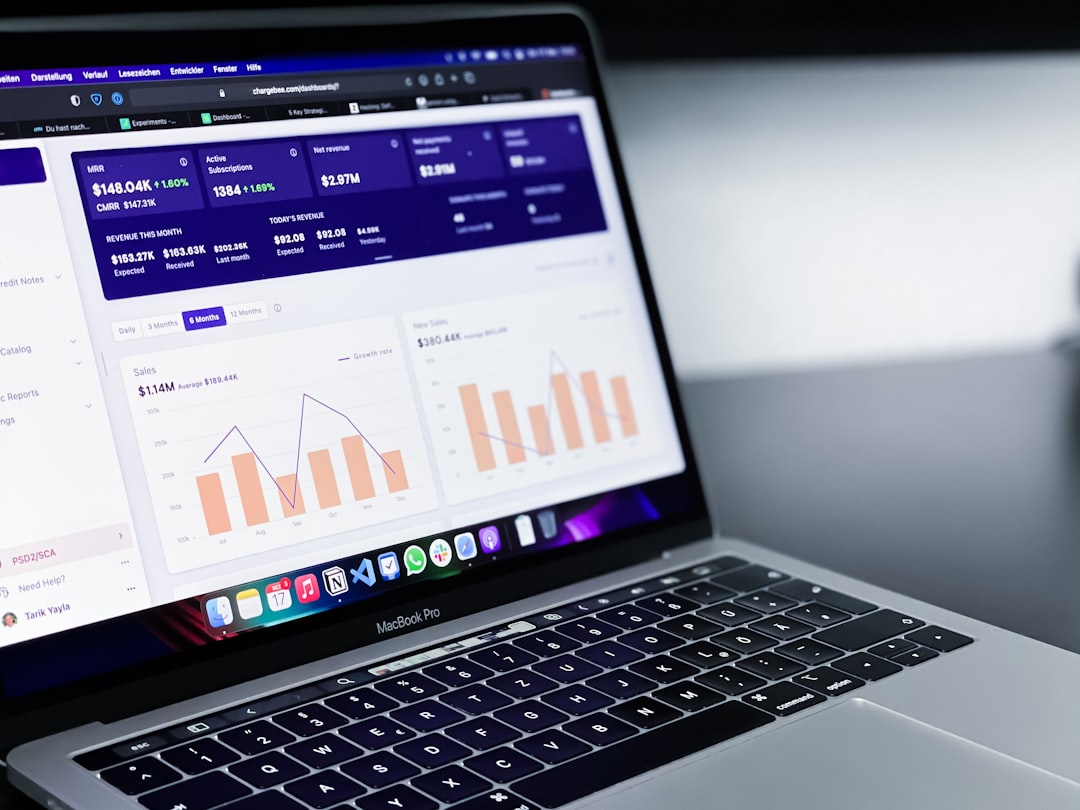
- Usage visibility: Users can see seats, limits, activity, and value created.
The catch is that bad self service is worse than no self service. If a user has to wait 12 seconds for a billing screen, hunt through five menus to invite a teammate, then submit a ticket to change a plan, they will not call it “self service.” They will call it annoying.
Where businesses gain efficiency
Self service improves scale in several practical areas. The biggest gains usually show up in sales, onboarding, support, and revenue operations.
1. Lower customer acquisition costs
Sales-assisted models can be powerful, especially for enterprise deals. But not every customer needs a meeting. Many small and mid-market buyers want to test the product first and talk later, if at all.
With self service, marketing can send traffic directly into a trial or freemium experience. The product then qualifies interest through usage. A user who adds five team members, imports data, and hits a usage limit is a much stronger signal than someone who downloaded a PDF.
This helps sales teams focus. Instead of chasing every trial user, they can prioritize accounts with strong buying intent.
2. Faster onboarding
Onboarding often becomes a hidden scaling blocker. Every new customer needs setup help. Every question steals time from support or customer success. Multiply that by hundreds of accounts and the problem gets ugly.
A good self service onboarding system uses checklists, templates, sample data, tooltips, short videos, and progress bars. It shows users how to reach their first useful outcome. Not someday. Right now.
For a project management SaaS product, that first outcome might be creating a project, inviting a teammate, and completing one task. For an email platform, it might be importing a list and sending a test campaign. The goal is not to show every feature. The goal is to get users to value quickly.
3. Fewer repetitive support tickets
Support teams should not spend half their week answering the same five questions. Honestly, it feels like a waste when talented people are stuck explaining password resets, invoice downloads, or where to find API keys.
Self service reduces that drag. A searchable knowledge base helps. So do in-app answers, chatbots for simple issues, and product copy that says what a feature actually does. The best support ticket is the one the user never needs to send.
That does not mean replacing human agents. It means protecting them. When basic issues are handled automatically, support teams can spend more time on complex bugs, high-value accounts, and feedback that improves the product.
4. More predictable expansion revenue
Self service SaaS is not only about new users. It also helps existing customers grow. If a team needs more seats, more storage, or a higher usage tier, they should be able to upgrade in seconds.
This is where pricing design matters. Usage limits should be visible before they become painful. Upgrade prompts should appear in context. If a team hits 90% of its monthly automation limit, show the next plan and the added value. Do not surprise them after the work stops.
The product must sell, teach, and support
In a self service model, the product does more work. It becomes part salesperson, part trainer, part support desk, and part account manager. That sounds efficient, but only if the product experience is clear.
Strong self service SaaS products usually share a few traits:
- Simple first steps: Users know exactly what to do after signup.
- Short time to value: The first useful result happens within minutes, not weeks.
- Helpful empty states: Blank screens explain what to create, import, or connect.
- Smart defaults: Users are not forced to configure everything from scratch.
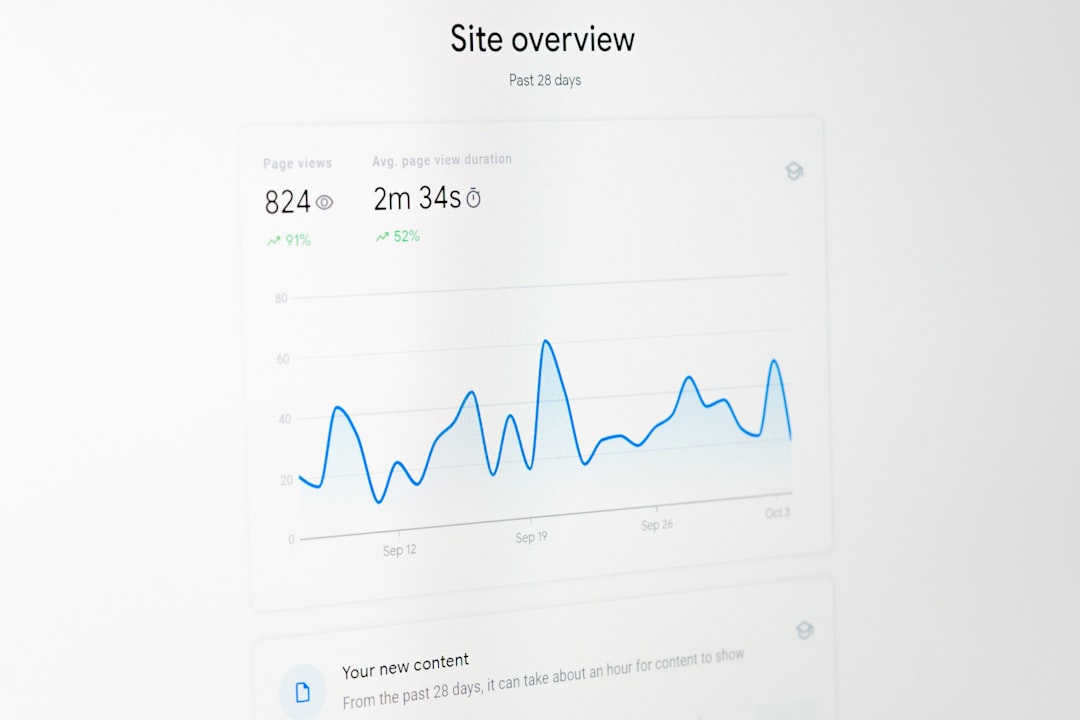
- Visible success signals: Dashboards show progress, savings, usage, or results.
Small details matter. Button labels. Error messages. Loading speed. Plan limits. Trial emails. A confusing setup flow can quietly kill growth. Users rarely complain before leaving. They just stop logging in.
Metrics that show self service is working
Businesses should track more than signups. A high signup count can hide weak activation. The key is to measure progress through the product journey.
- Activation rate: The percentage of users who reach a meaningful first milestone.
- Time to value: How long it takes users to get a useful result.
- Trial to paid conversion: The share of trial users who become paying customers.
- Support tickets per account: A sign of how clear the product is.
- Expansion revenue: Revenue from upgrades, add-ons, and extra seats.
- Churn rate: The percentage of customers who cancel over a period.
If activation rises from 22% to 34%, that can change the business without adding a single new marketing channel. If support tickets per 100 accounts drop from 48 to 29, the team gains hours every week. Those hours can go into better documentation, customer research, or higher-touch help for larger accounts.
How to build a better self service SaaS model
Start with the most common friction points. Review support tickets. Watch user recordings. Read cancellation notes. Ask new customers what almost made them quit.
Then improve the journey in this order:
- Clarify the first action. After signup, users should never wonder what to do next.
- Remove setup pain. Use templates, imports, integrations, and sample content.
- Explain value inside the product. Do not depend only on emails or docs.
- Make billing self managed. Plan changes, invoices, tax details, and payment methods should be easy.
- Route complex users to humans. Self service and sales can work together.
The best approach is not pure automation. It is smart segmentation. A solo founder on a $19 plan may never need a call. A 400-person company with strong usage should get sales attention. The product can spot those signals and route each account correctly.
Common mistakes to avoid
Many companies rush into self service and create more confusion. They hide pricing. They ask for too much information upfront. They make users book a call for basic answers. Or they offer a free trial that depends on a complicated setup no one can finish alone.
Another mistake is treating documentation as an afterthought. Help content should be part of the product experience. It needs screenshots, short answers, clear labels, and regular updates. Outdated docs create trust problems fast.
Self service SaaS works because it respects the user’s time. It lets buyers move at their own pace. It helps teams scale revenue without scaling every cost at the same speed. When done well, it turns growth from a hiring problem into a product design problem, and that is a much better problem to solve.